




About This File
A few theme videos and video snaps I made for the Playstation 4. Focusing mostly on exclusives that are somewhat playable on emulators.
How to add them to your LaunchBox and BigBox:
- Download the zip file.
- Extract to LaunchBox's root folder. Content will be extracted to its proper folders.
- Done! Theme videos and video snaps will show up on BigBox and LaunchBox. Just make sure your game's name matches the video's file name.
- For an optimal experience, use BigBox themes that support fullscreen videos views like the Unified themss and change the transitions to Fade or Quick Fade.
Previews:
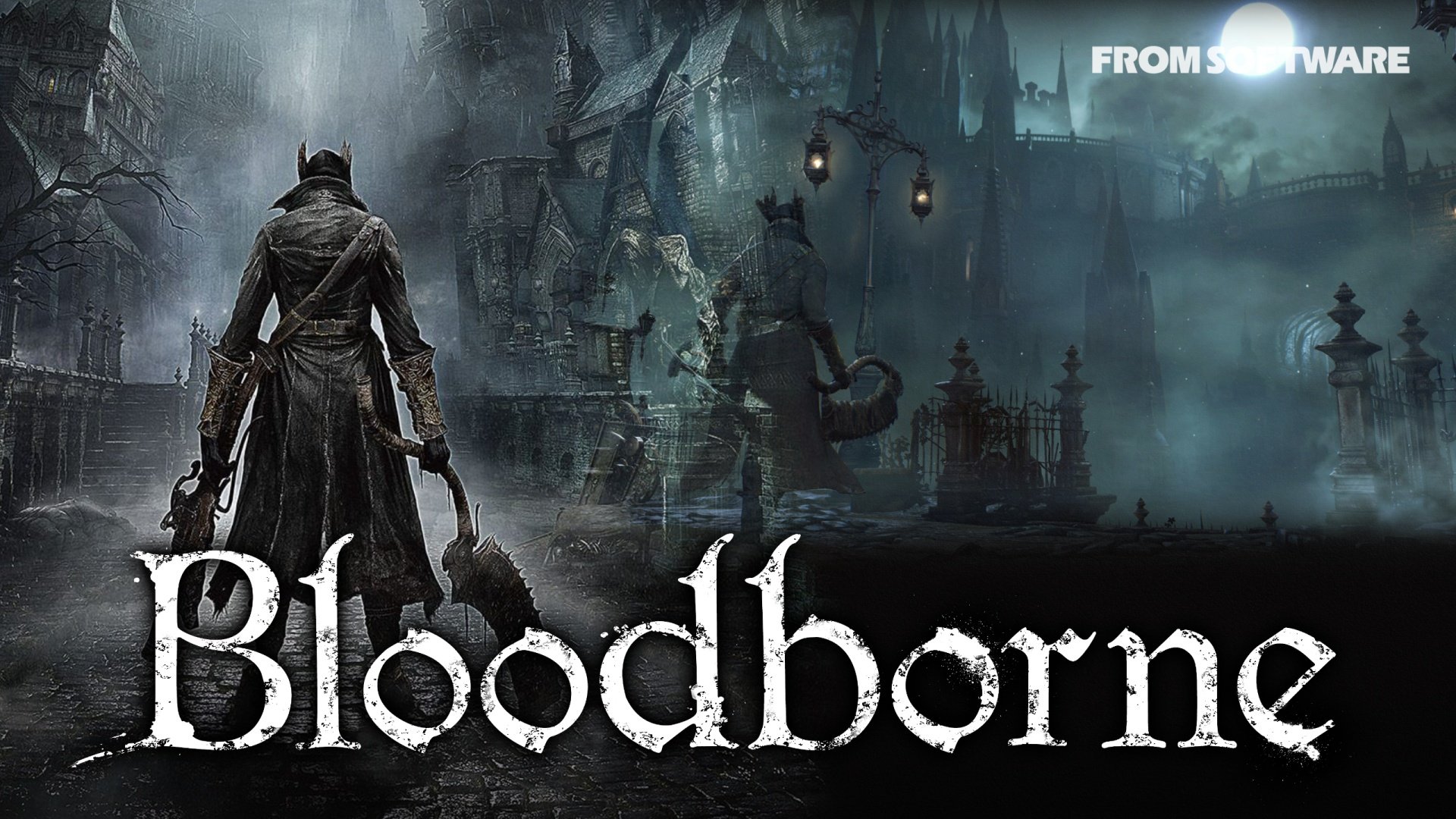
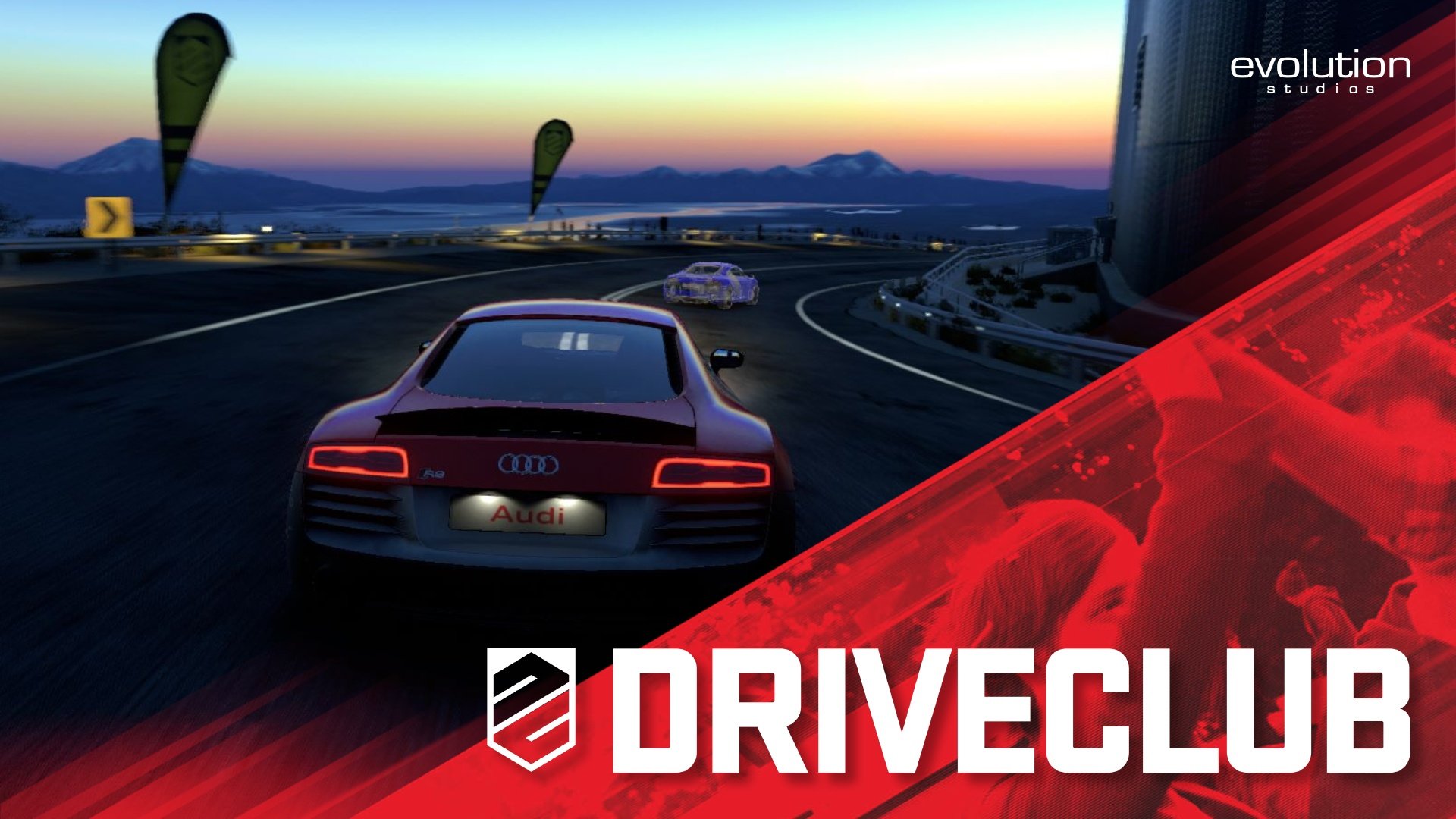
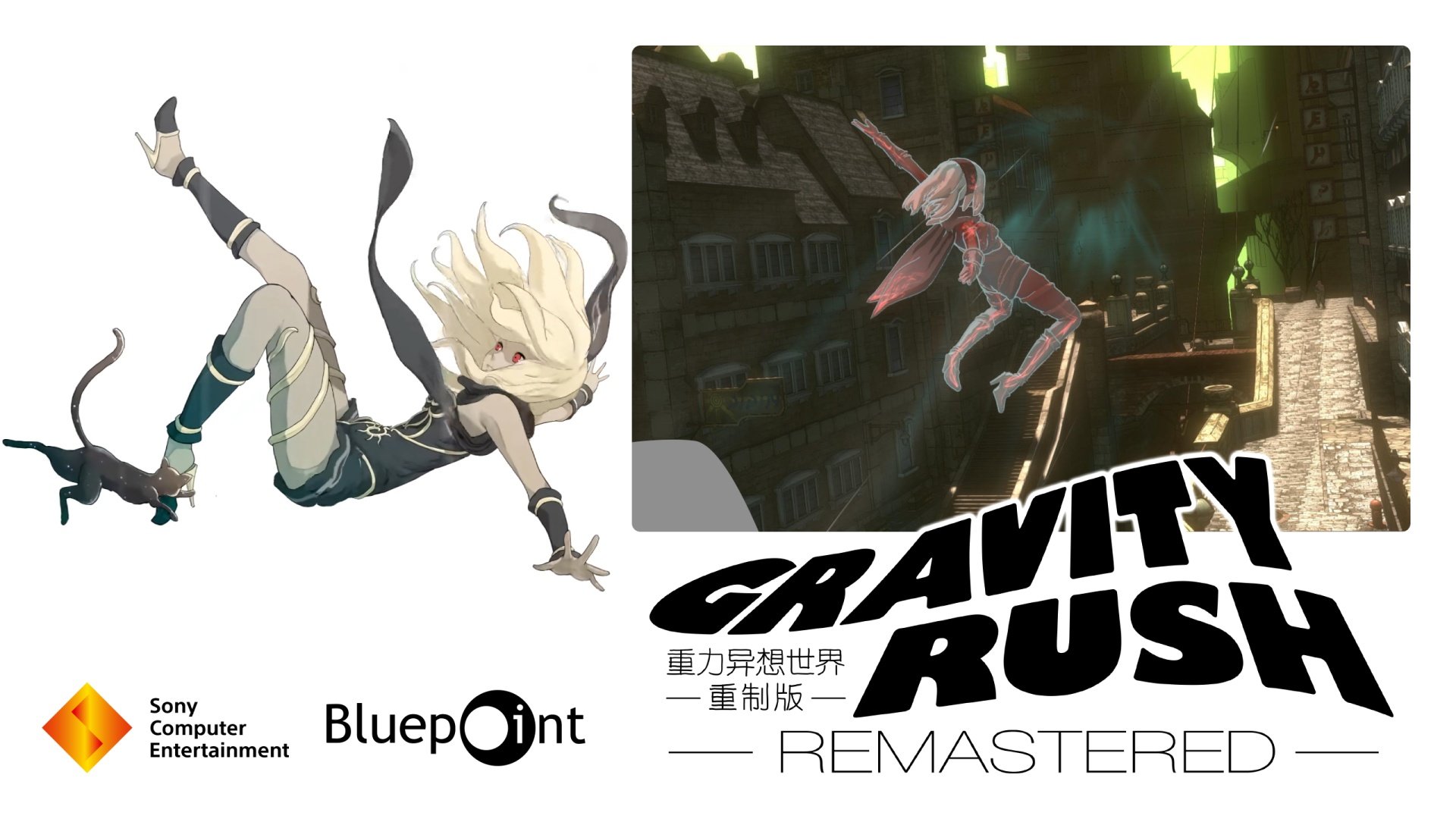
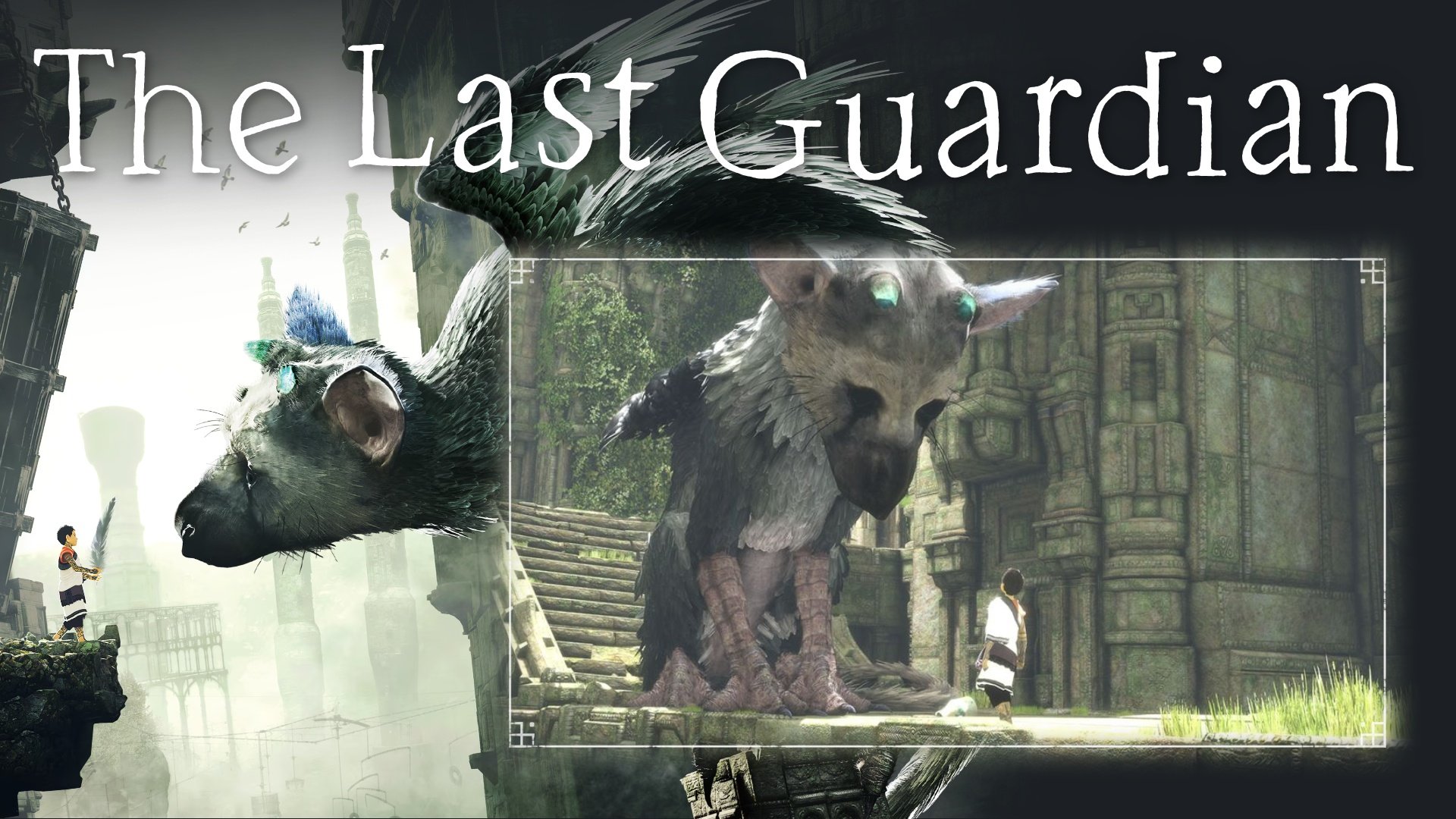
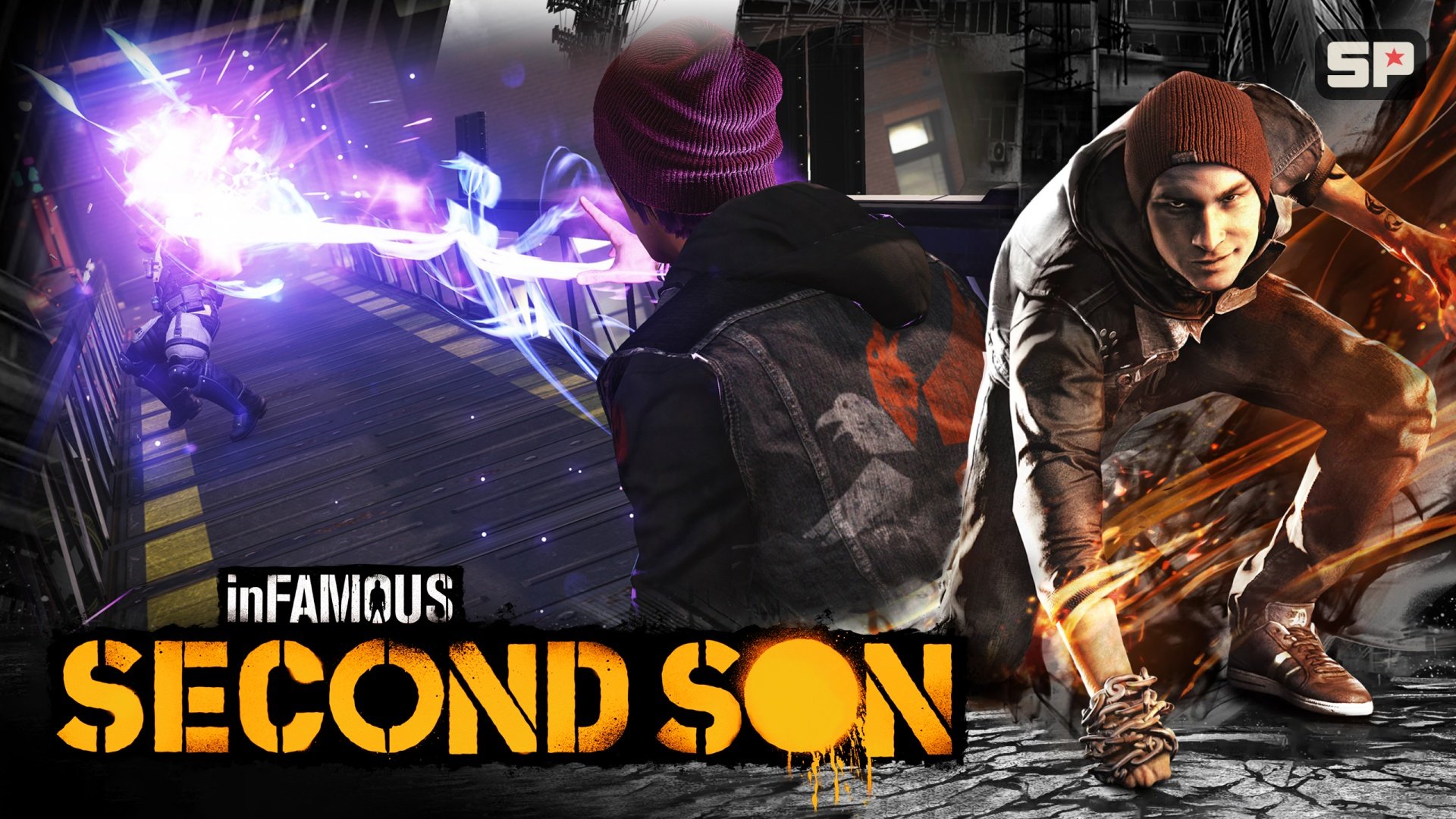
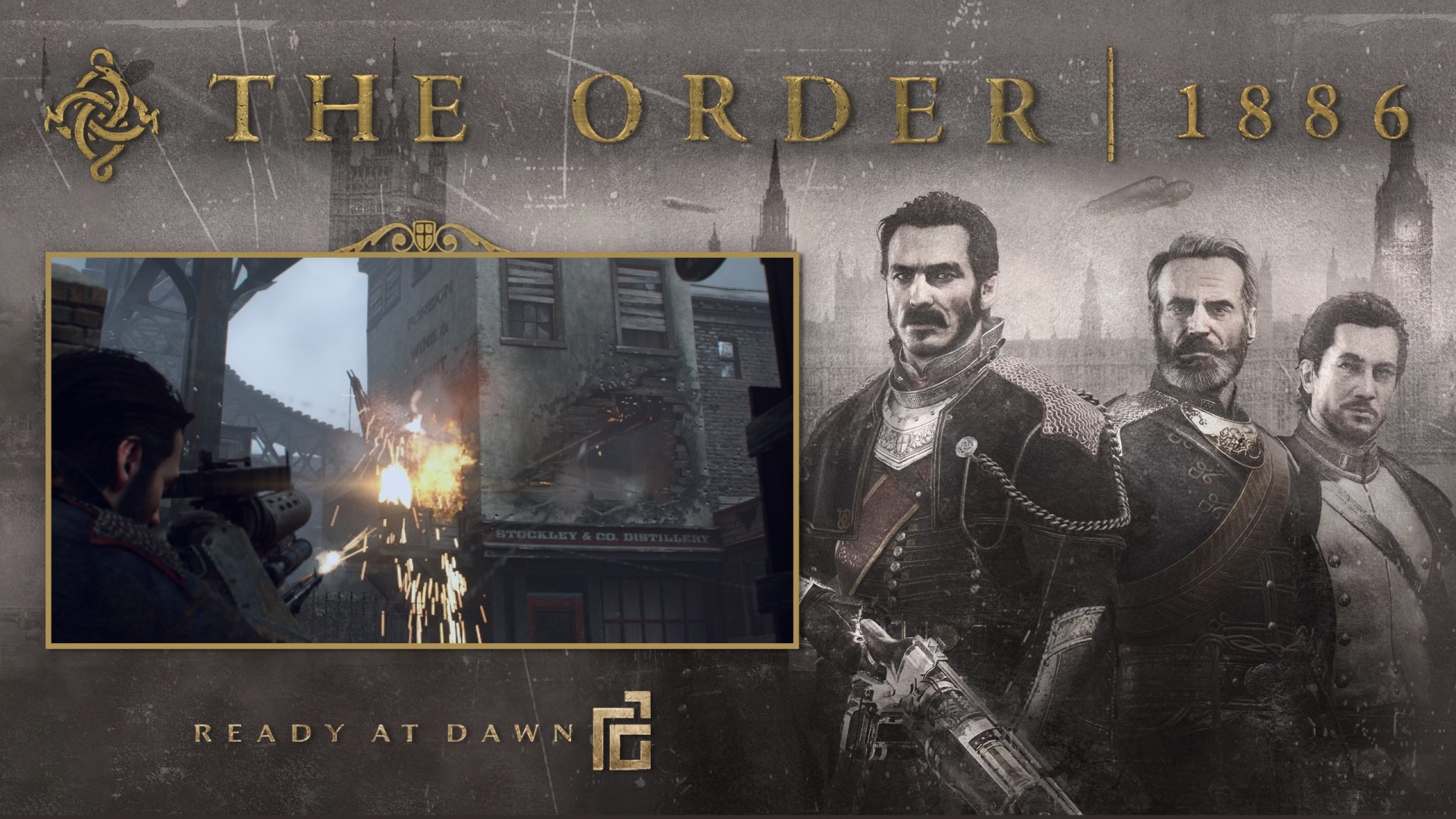
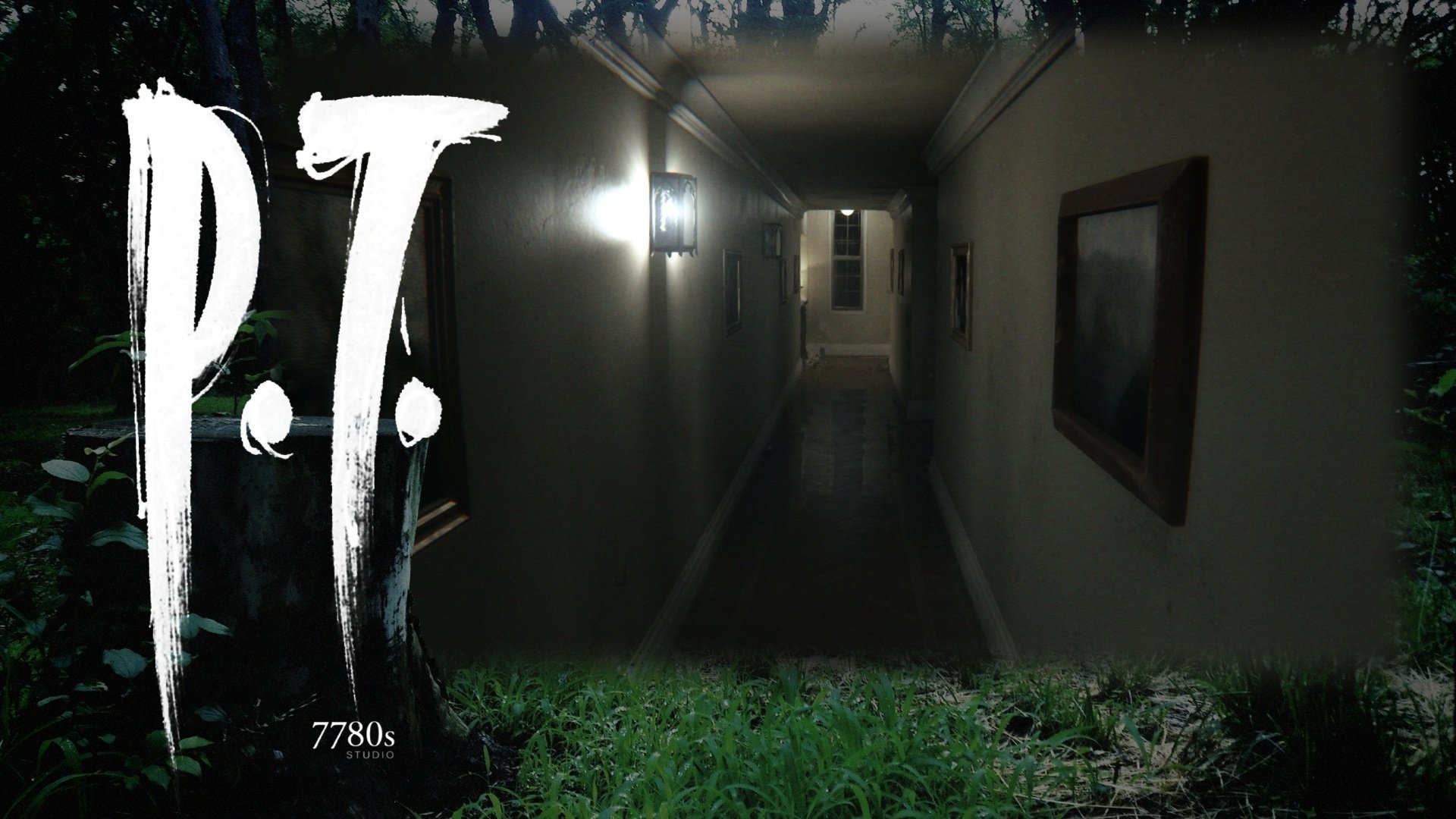
List of Games:
- Bloodborne
- DriveClub
- The Last Guardian
- Gravity Rush Remastered
- InFAMOUS Second Son
- The Order: 1886 (not playable yet)
- P.T.
Technical Details:
Theme videos are 1080p or 1440p, encoded using HEVC for optimal file size. Video snaps are 720p and are encoded using x264 for compatibility.
Them videops' audio is 160 kbps aac, video snaps 96-160 kbps aac.
Looking for a title not on the list? Check out the PC Games Theme Videos thread, it has a lot of theme videos for Windows games that are also on PS4:
What's New in Version (7 Games) See changelog
Released
Updated thumbnail.


