

thoraiden
-
Posts
10 -
Joined
-
Last visited
thoraiden's Achievements

4-Bit Adder (2/7)
3
Reputation
-
This is awesome and thank you all for the quality of life improvements and hard work!
-
Im currently having an issue with 13.26 beta 2 where my custom background music only plays a song or two then completely stops and all music playback function stops all together, even game music and everything other than navigation sounds goes dead silent. I have a controller binding and keyboard binding that skips to the next song but that doesnt work and I also have everything on shuffle, music prioritized over video volume and video volume down to 0. Aside from that I also had a random crash happen that froze my entire computer. After a hard reboot I got error messages upon trying to re-luanch BigBox that almost my entire Data folder aside from platform and playlist xmls was corrupt which I had to use a backup to restore. It seems like ever since the 13.25 main and beta versions theres been a lot of weird performance bugs and conflicts with my system that have never happened before and Ive had launchbox/bigbox since about 6 years ago or so. I was also having trouble even launching launchbox for about a week up until the other day when Windows 11 pushed a new update since im on their Dev channel which seemed to fix that problem but the ones I listed above are still happening. Hopefully some stability improvements and fixes with audio and crashes are coming around for the next beta or 13.26 stable.
-

Windows 11 has blocked the Launchbox 13.25?
thoraiden replied to GorrionNocturno's topic in Troubleshooting
After I updated to 13.25 Launchbox hangs on populating games in the opening splash screen. I thought it was just my data folder so i rolled back with both a back up and a fresh install and still the same thing. It will open for the first time then if I exit it hangs upon launching again. I also tried installing on a different hard drive and still the same thing. Im at a loss and dont know if its Windows 11 like you said or an issue with LB. -
Im not sure if this is relevant here but ever since I updated to 13.25 stable from the 13.25 beta 3 version when I go to start Launchbox it hangs on populating games. Ive tried several fixes including using a backup of previous known working data folders, deleting settings.xml, deleting list and image caches, and outright reinstalling launchbox without the data folder. Nothing works. I have to end task on Launchbox from my task manager and also it will launch only as a background process where I will have to end task on that too at times. Im hoping I dont have corrupted xml files or something in the settings made things wonky. I would appreciate any help or an actual fix for this. Thank you
-
Classic PS1 Overlays for Duckstation
thoraiden reviewed The_Ironclad_Lad's file in Platform Bezels/Overlays
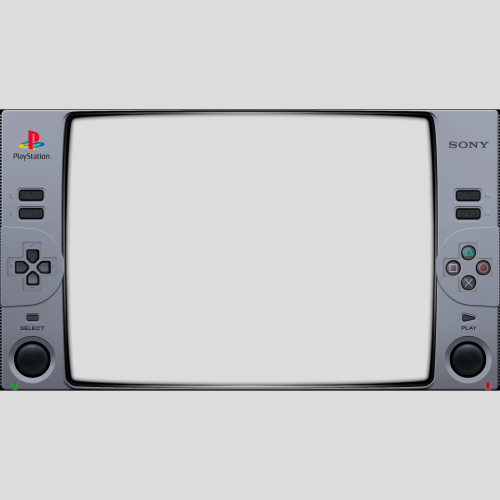 Great overlay and thank you for the shader recommendations as well. Smooth as butter
 -
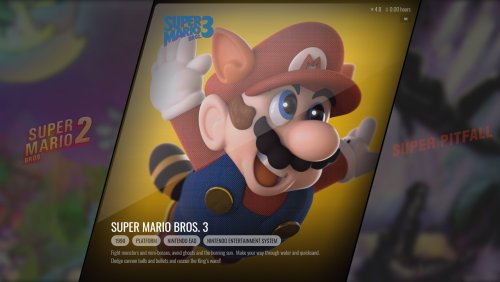 Great theme and update. If Im not mistaken version 13.22 of Launchbox/Bigbox is still in Beta and hasnt been fully released yet as of this being posted which as I experienced led to some issues on the Platform View section until I opted into the beta. Im guessing 13.22 will be out shortly but just wanted to give everyone a heads up.
 -
thoraiden changed their profile photo
-
The Launchbox DB incorrectly has Shadow of The Tomb Raider as Tomb Raider 2013 and the actual Tomb Raider 2013 game as Tomb Raider 1996. I caught this error updating my metadata and media for my Windows games.
-
Mini Consoles Theme - RetroSai Nostalgia - Form over Function
thoraiden commented on Saieno's file in Custom Themes
 Thank you so much and for the prompt reply! Everything worked and all is quiet on the western front lol
 -
Mini Consoles Theme - RetroSai Nostalgia - Form over Function
thoraiden commented on Saieno's file in Custom Themes
This is an awesome theme and thank you for your hard work and dedication. You have made my big box experience much more cohesive and nostalgic beyond belief. I do however have one question and Ive seen this being addressed but Im having a weird and different issue with it. I wanted to silence the background music that plays on the game select menus. I deleted the music files in the BGM media folder and tinkered with the theme specific sound options but even with all that done the music is still there playing anyways. Is there any newer approach to fixing this or is it just something thats rooted in the XAML files? Ive seen you mention a silent patch for this as well. Any help on this issue would be highly appreciated as I want to add my own music from the base launchbox background files. Best regards! -
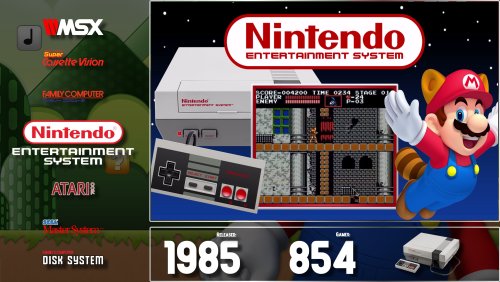 This is a wonderful theme and I dig the layout. It also doesn't feel too intensive on my computer and I feel like im immersed into the consoles and their games even before I start playing. Thank you for this!




