

About This File
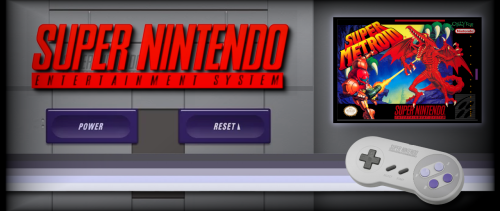
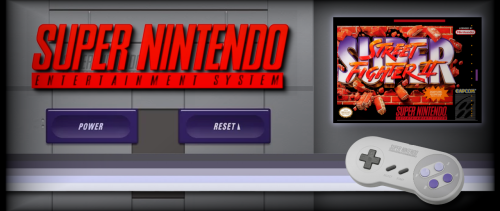
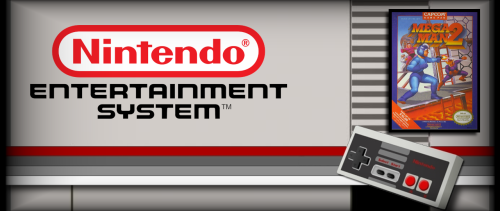
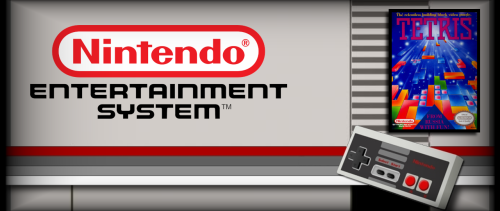
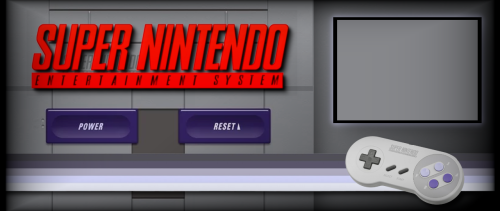
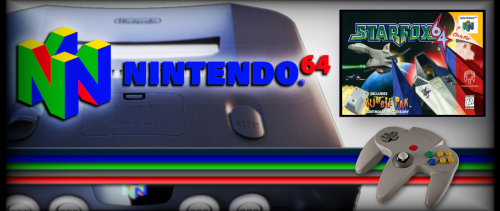
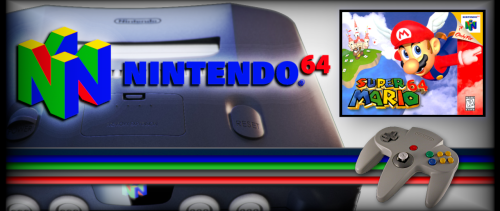
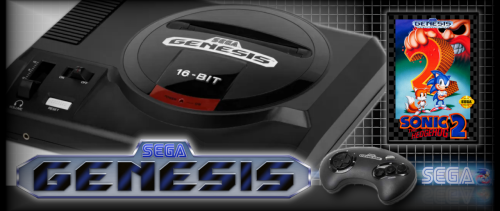
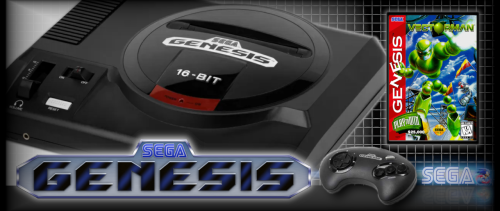
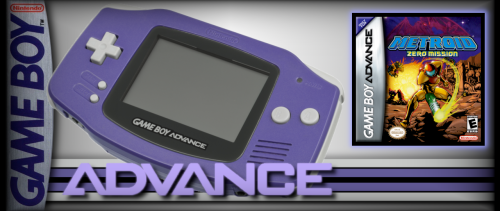
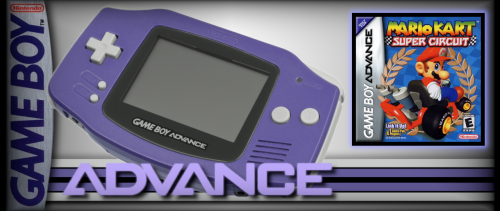
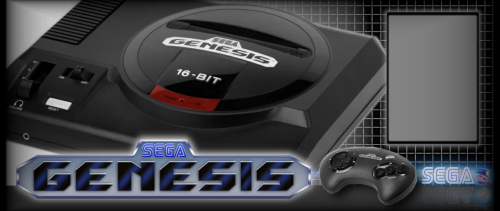
When I started my cabinet build project, I couldn't really find much in the way of correctly-sized marquee images for the 21:9 LG Ultrawide monitor I used as a marquee display... so I made my own.
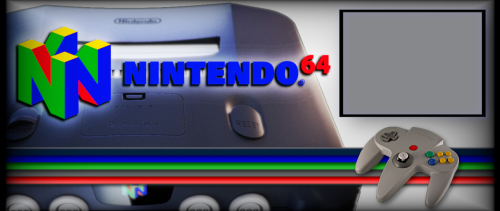
These are marquee images for use for various console systems - GBA / Sega Genesis / NES / SNES / N64.
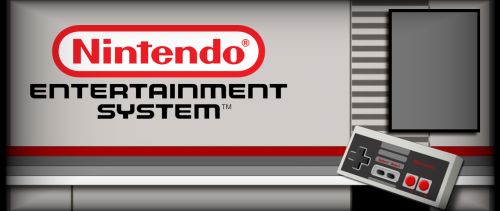
I've also included a 'template' png file in the .zip for each of these that could be used to make your own marquees if you want, for games I don't have included here. You can use GIMP / Photoshop / Whatever image editing software you want, and overlay the box art for your game on the template. Here are the box image sizes for use with each template (pixel width x height:)
NES Box art size: 219 x 300
SNES Box art size: 360 x 257
N64 Box art size: 360 x 263
GBA Box art size: 320 x 320
Genesis Box art size: 224 x 320
I found the box art I used to make these linked over on Reddit.
Update:
Added .zip files for Wii and Gamecube marquees. Wii .zip includes multiple template .png files for most of the different controller schemes used on the Wii.
Gamecube Box art size: 226x320
Wii Box art size: 228x320
Gamecube and Wii cover art used to make these primarily sourced from GameTDB.


Edited by zeorangr
Added artwork for Gamecube and Wii games

Recommended Comments
Join the conversation
You can post now and register later. If you have an account, sign in now to post with your account.