

CDMAN919
-
Posts
550 -
Joined
-
Last visited
-
Days Won
5
Content Type
Profiles
Forums
Articles
Downloads
Gallery
Blogs
Everything posted by CDMAN919
-
it seems when i deleted the dolphin out of the documents and made them portable, this error stopped. no i never use betas
-
@JoeViking245 im seeing it again. only when i go to tools manage emulators. heres a video. im beginning to think this isn't a plugin issue. i have no more updates available in plugin manager. but i still get this. very strange bandicam 2024-08-19 01-31-55-020.mp4 heres the log again. log.txt
-
 Nice job sir!
-
Wow. You Nailed it. Thank You again for the save again @JoeViking245 sir.
-
I Don't know what i did but every time i go to manage emulators, it opens up with window. can someone tell me how to get this to stop popping up? log.txt

-
Teknoparrot Platform Video View File My Teknoparrot Platform Video For u all. Enjoy. Teknoparrot.mov Submitter DonellHD Submitted 07/24/2024 Category Platform Theme Videos
-
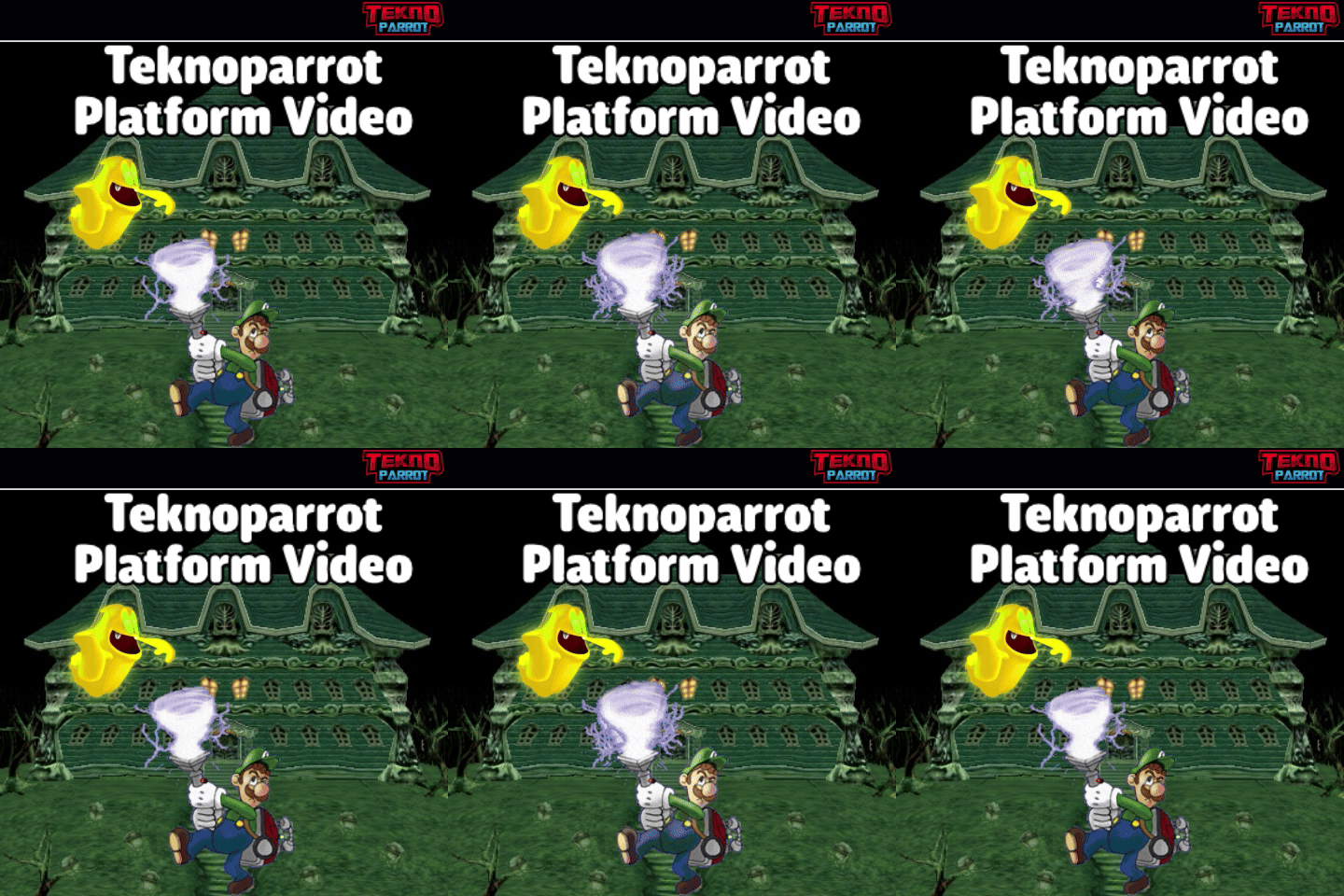
Version 1.0
408 downloads
My Teknoparrot Platform Video For u all. Enjoy. Teknoparrot.mov-
- 8
-

-

-
- teknoparrot media
- teknoparrot platform video
- (and 1 more)
-
Philips CD-I Platform Video View File Here Is My Philips CD-I Platform Video For U Guys. Game On! Philips CD-i.mov Submitter DonellHD Submitted 07/24/2024 Category Platform Theme Videos
-
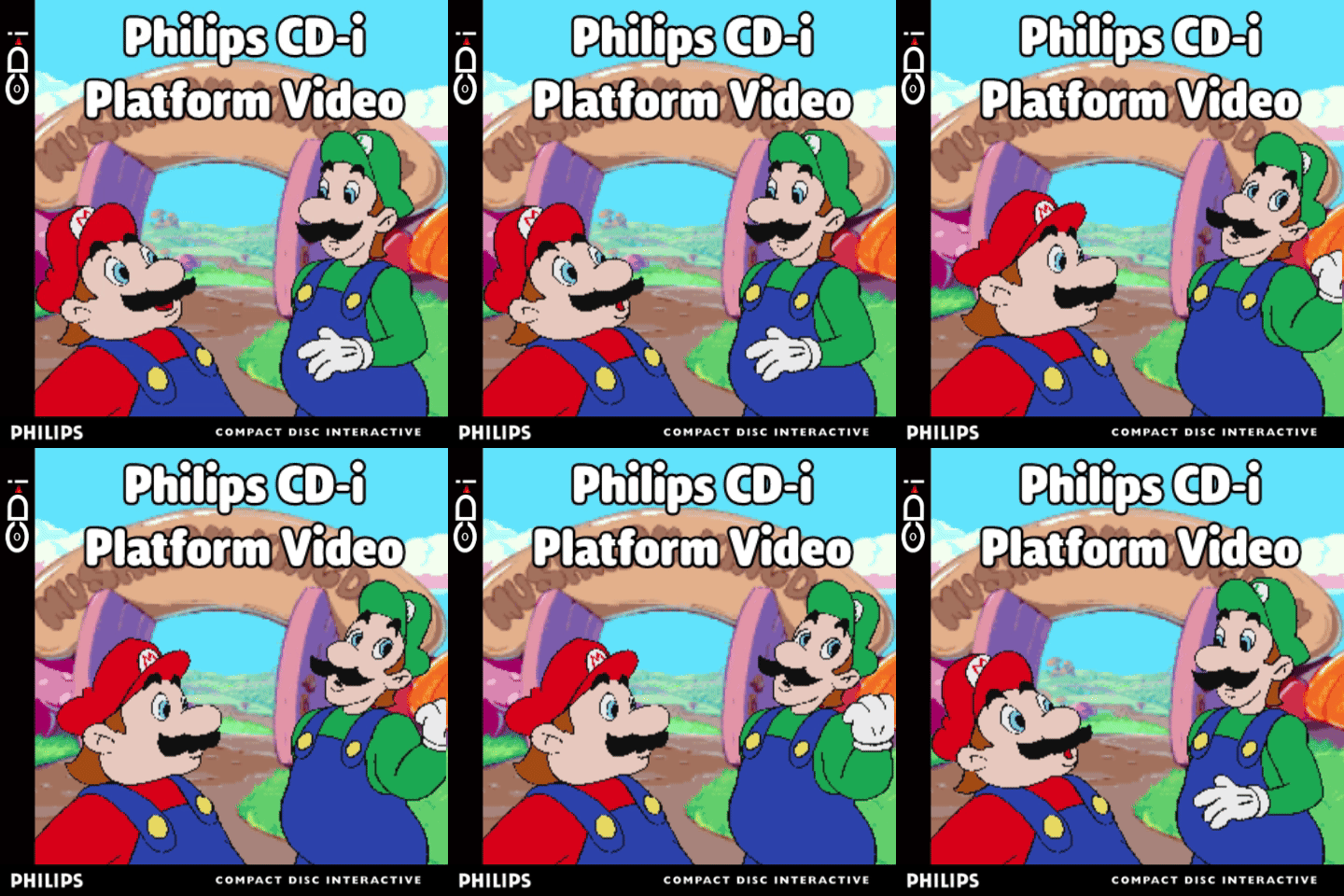
Version 1.0
93 downloads
Here Is My Philips CD-I Platform Video For U Guys. Game On! Philips CD-i.mov-
- 3
-
-
- cdi media
- cdi platform
- (and 2 more)
-
Sega Dreamcast Box Theme Video View File My Sega Dreamcast Box Theme Video For u All. Game On. Sega Dreamcast.mp4 Submitter DonellHD Submitted 07/06/2024 Category Platform Theme Videos
-
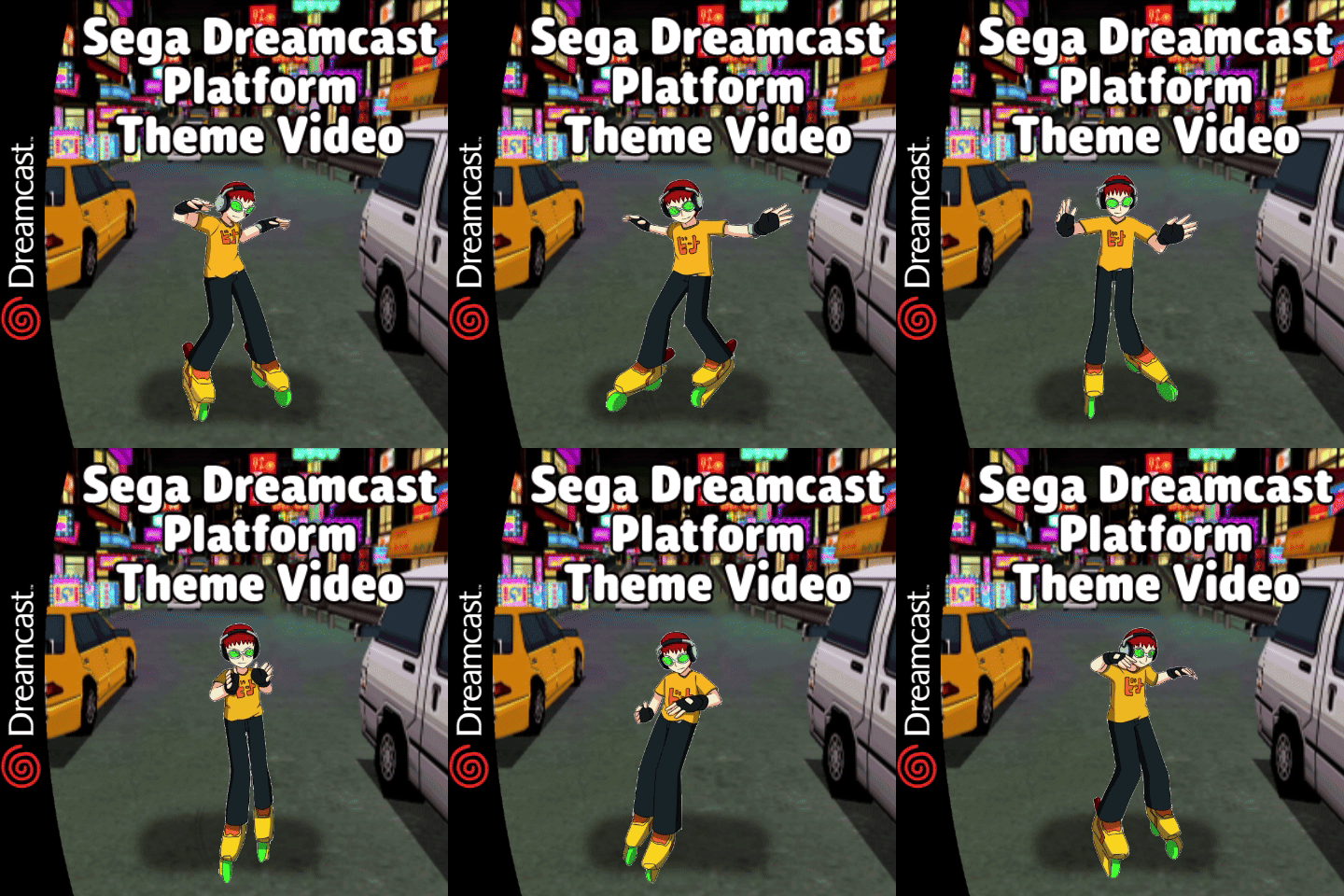
Version 1.0
119 downloads
My Sega Dreamcast Box Theme Video For u All. Game On. Sega Dreamcast.mp4-
- 5
-
-
-

-
- dreamcast media
- dreamcast theme
- (and 2 more)
-
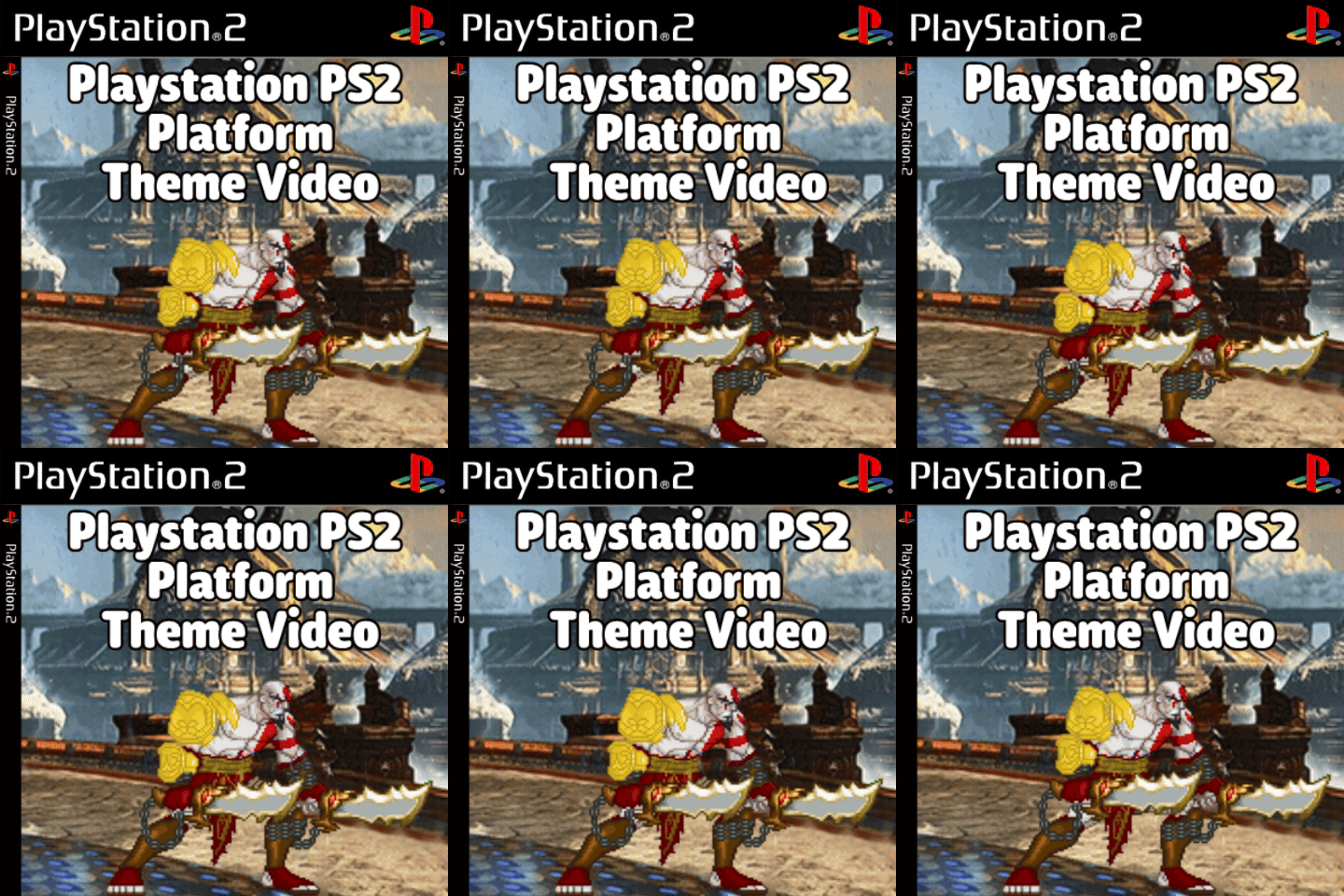
Ps2 Console Box Theme Video View File My Ps2 Box Platform For U guys. Game On! Sony Playstation 2.mp4 Submitter DonellHD Submitted 07/05/2024 Category Platform Theme Videos
-
Version 1.0
151 downloads
My Ps2 Box Platform For U guys. Game On! Sony Playstation 2.mp4- 1 comment
-
- 3
-
-
- ps2 theme
- playstation 2 theme
- (and 2 more)
-
Version 1.0
168 downloads
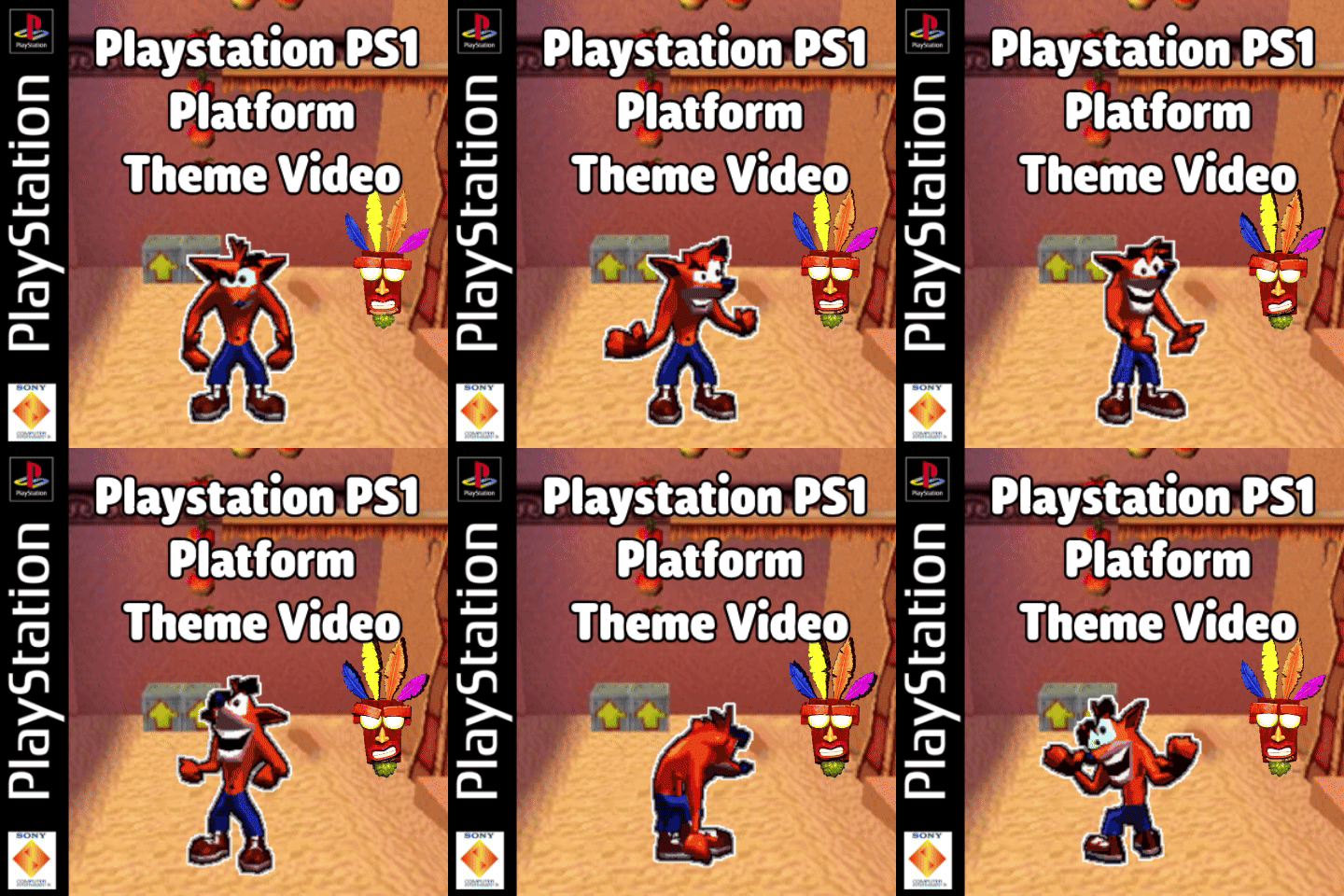
My Playstation PS1 Theme Style Video For U guys. Game On. Sony Playstation.mp4-
- 4
-
-
-
-
- playstation themes
- psx themes
- (and 1 more)
-
Playstation PSX Theme Video View File My Playstation PS1 Theme Style Video For U guys. Game On. Sony Playstation.mp4 Submitter DonellHD Submitted 07/05/2024 Category Platform Theme Videos
-
great question!
-
i dont quite understand what this means. i have docked mode set and handheld is disabled..plz help
-
could i get the config files? thx in advance
-
-
Keyboard controls don't work navigating thru the zeebo stuff. Only a xbox one controller works.
-
Would I be able to create an ahk script for once the emulator opens, move the xbox one controller once to the right then press a. If so how would u go about doing that?
-
This is my setup so far. wondering if i need a command line script or something...... the roms have to be unzipped into the Windows:APPDATA\Tuxality\Infuse\brew folder This is the mif folder This is the mod folder Inside of mod folder(s) how it looks right now when booting from LB bandicam 2024-05-24 19-11-25-143 (2).mov the roms work fine outside of the front end. just trying to get them to boot in LB. i dont know what files or folders to use for the roms though. any help would be appeciated. @JoeViking245@Retro808 would you guys happen to know any command line scripts that i could use or which boxes need to be checked or unchecked in the emulator section? thanks
-
it worked! it closes properly! u da man @JoeViking245
-
what area would i place this in the script? or use this and thats all
-
hi guys. im trying to force close a process after exiting out a game but no matter what i do i cant get the program to close. besides pressing it manually. please help Test.mov i created a script to start the script program and it works no problem. the problem is the script i created was designed to escape out of castlevania .exe and also close the castlevania input hook program. no matter wht i do, i can not get the program to close by script. ive tried different methods like send alt + f4 but maybe im not doing it correctly. if i manually press alt + F4, it closes no problem. i dont know what im missing... the process is called CastlevaniaArcade_inputs.exe All of the script works fine except closing that last program. the white box at 0:12 in the video. when the screen is black, its just bc im recording. heres the script im using. id appreciate any help.