

Galaxy_1
-
Posts
25 -
Joined
-
Last visited
-
Days Won
2
Content Type
Profiles
Forums
Articles
Downloads
Gallery
Blogs
File Comments posted by Galaxy_1
-
-
 8 minutes ago, Truest1 said:
that didnt work either.
just checking you're adding this to the running script and not the exit script.
-
@Truest1 you could try
ESC::
Send !{f4}not a recommend way to close a game though as it's essentially force quitting it.
-
11 hours ago, Truest1 said:
works great just tried it out. does anyone have a exit script for this to exit tables back into launchbox?
seem esc just takes you to game menu and edit in game settings its greyed out.
alt+f4 seems to work on the keyboard but i have no idea on how to emplement it into the running script please help.
The developer mentioned the esc key would exit the game if launched by command line but that doesn't seem to be the case.
Give this a try as the running script -
$Esc::
{
Process, Close, {{{StartupEXE}}}
} -
@Truest1 I've just edited the post to include direct table launch instructions.
-
 1
1
-
-
 On 10/28/2024 at 5:43 AM, Truest1 said:
can you please share the template for these boxs please?
sorry @Truest1, just seen your comment.
I've added the template that I used to make these. (made using G.I.M.P.)
Open the template in G.I.M.P.
Drag and drop image you wish to use.
Press Shift T, then align the image corners with the guide lines. -
2 hours ago, denmiclaw said:
Thank you for the 2D Boxes for this!
Not a problem, glad you like them.
-
 51 minutes ago, ci2own said:
I guess 3D Box Template was made by @WallyWonka if not wrong, not by me. So all credits for him!
ah, no worries. I'll add him to it.
-
@zugswang 2D boxes are all done.
-
 1
1
-
-
3 hours ago, zugswang said:
Hi, great boxes 👍
Just wondered if you had a 2d set ?
Thanks
I am working on a 2D set, They're pretty minimalistic but I recon they're not too bad.
I might have them done in a day or so.

-
1
-


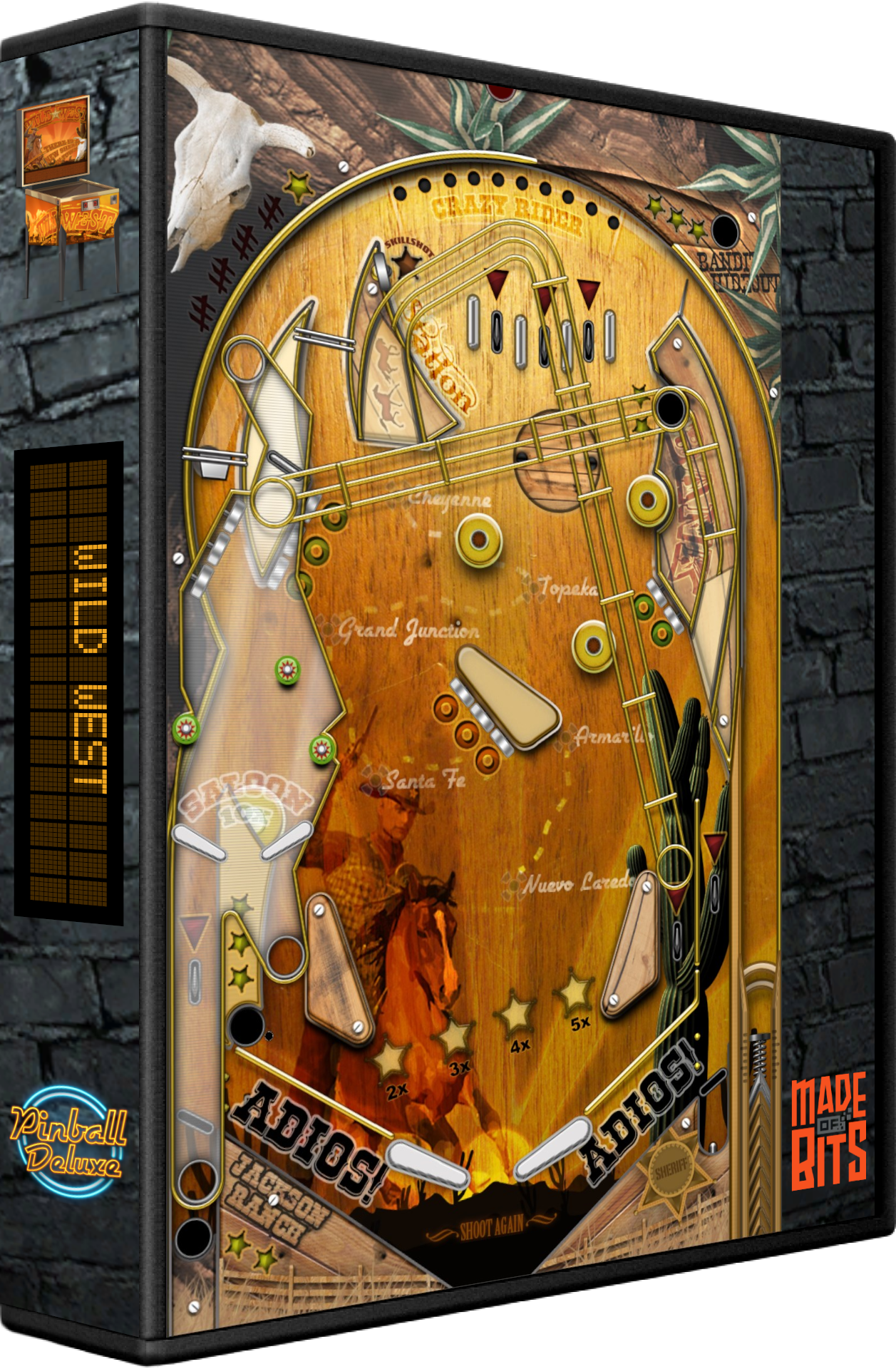
Pinball Deluxe Reloaded (media pack)
in Pinball
Posted
sure thing, looks good.