

ci2own
-
Posts
712 -
Joined
-
Last visited
-
Days Won
26
Content Type
Profiles
Forums
Articles
Downloads
Gallery
Blogs
Everything posted by ci2own
-

-
Now a Regions Pack ( Zip file to download all at once). Zip file with all files: Regions.zip
-
A few more for Platform Categories
-
Tandy TRS-80 and Microsoft Windows were already done by @viking in his main set. I add you a few Sord M5 Alternatives, so you can choose.
-
Custom Uniconic Champion 2711 Game Media. Includes 3D Box, 2D Box, Spines, and 2D carts. Box - 3D.zip Box - Front.zip Box - Spine.zip Cart - Front.zip
-
It's curious but it's happening something similar to me with Atari Lynx. I had it running through LB, but now it doesn't work either. @dukenukem008 Just do a test: Try checking "Extract ROMs" for the system you have problems with, and let me know if it works. It worked for me.
-
Try the next steps: 1) On LB -> Tools > Manage Emulators > RetroArch (or whatever name it have), and go to "Running Script" tab. 2) Paste the next text there, and it must look like the next screenshot. (Replace your drive letter if not D:\) (Credits for this script to @JoeViking245). So this will create a text file on D:\Log.txt ; This will write the LaunchBox command line to a text file. queryEnum2 := ComObjGet("winmgmts:").ExecQuery("" . "Select * from Win32_Process where caption='retroarch.exe'") ; Replace exe file with the needed one for each emulator. ._NewEnum()[process] CommandLine = % process.commandline ; MsgBox, %CommandLine% ; This will open a message box with the command line. ;FileAppend, %CommandLine%, D:\Log.txt ; This will save the command line to a text file. FileAppend, `r%CommandLine%`r, D:\Log.txt ; This will save the command line to a text file. "`r" sends an intro before and after. 3) Run the desired game using RetroArch. 4) Check the command line LB used on the created log file, and try to paste it on a windows terminal to check what's wrong.
-
@dukenukem008 Did you check there's no custom command-line parameter assigned for those games?
-
I found this one already done. https://www.google.com/url?sa=i&url=https%3A%2F%2Fforums.launchbox-app.com%2Ftopic%2F33151-silver-ring-clearlogo-set%2Fpage%2F64%2F&psig=AOvVaw2mfmtbxQ7L74FHBxzT593P&ust=1736950313476000&source=images&cd=vfe&opi=89978449&ved=2ahUKEwjc_teksvWKAxUAaPEDHeHzAK8Qjhx6BAgAEBo
-
-
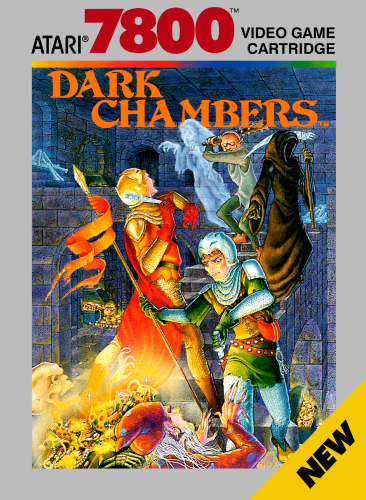
Version 1.0.0
364 downloads
Atari 7800 2D Box Front + Box Back + Box Spines (HD) -
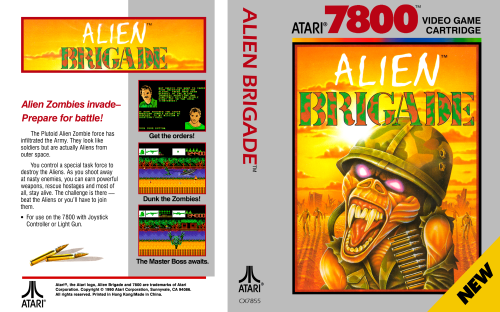
Version 1.0.0
93 downloads
Atari 7800 Full Boxes Pack (HD) -
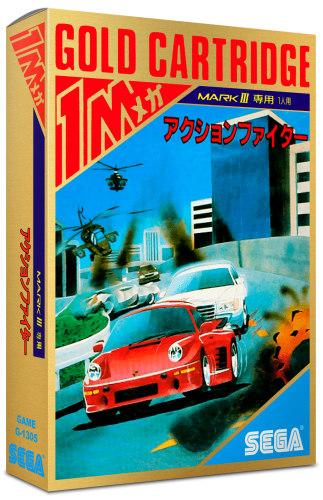
Version 1.0.0
158 downloads
All game boxes and spines made from scratch. Huge work this set! Hope you enjoy! -
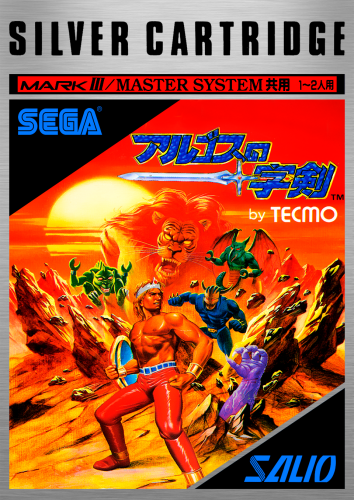
Version 1.0.0
179 downloads
All game boxes made from scratch. Huge work this set! Hope you enjoy! -
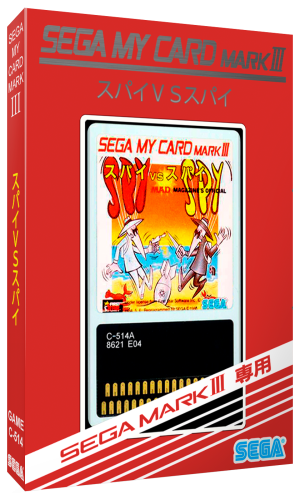
Version 1.0.1
74 downloads
Sega Mark III My Card 3D Box Pack -
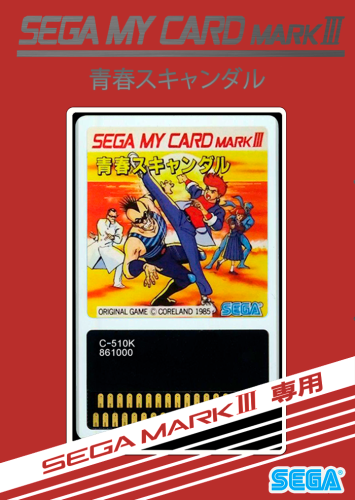
Version 1.0.0
110 downloads
Sega Mark III My Card 2D Box Pack + Spines -
-
Sorry for the late reply. Here they are: - All in one .zip file: Viking Silver Ring Light Gun Logos (Alternative).zip - Template: Viking Silver Light Gun Template.zip Viking Silver Ring Light Gun Logos (Alternative).zip
-

Version 1.0.0
55 downloads
Tiger Game.com 3D Box Pack + Spines -
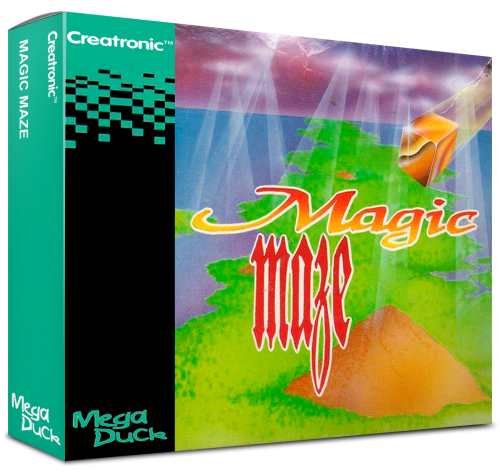
Version 1.0.0
52 downloads
Mega Duck 3D Box Pack + Spines -
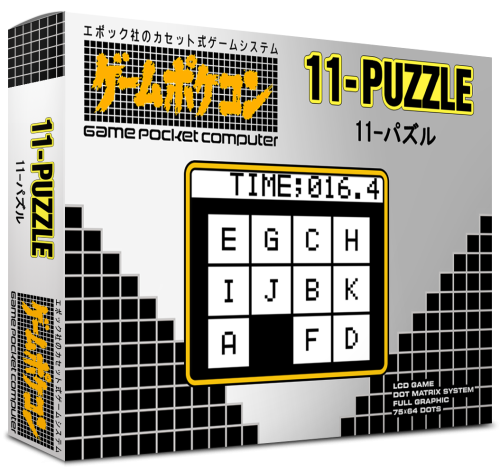
Version 1.0.0
43 downloads
Epoch Game Pocket Computer 3D Box Pack + Spines -
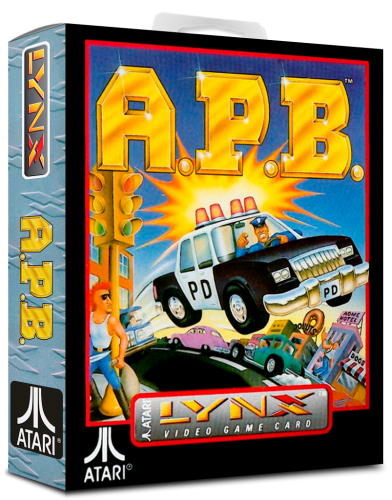
Version 1.0.0
230 downloads
Atari Lynx 3D Box Pack Includes Spines and Default Box.- 1 review
-
- 9
-

-

-

-
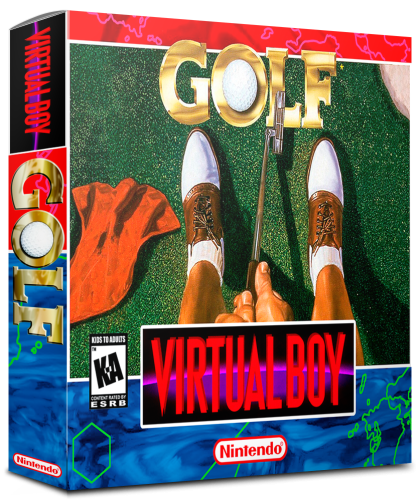
Version 1.1.5
225 downloads
Nintendo Virtual Boy 3D Box Pack with Unified Design.- 1 review
-
- 6
-
-
-
-
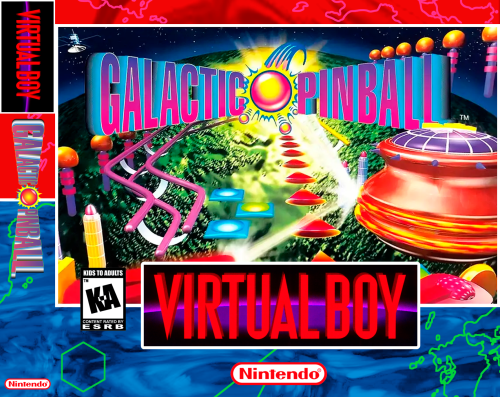
Version 1.0.5
182 downloads
Virtual Boy 2D Boxes Pack with Unified Design. Included: - 2D Box + Spines. - 2D Boxes - Spines - Default Box + Spine -
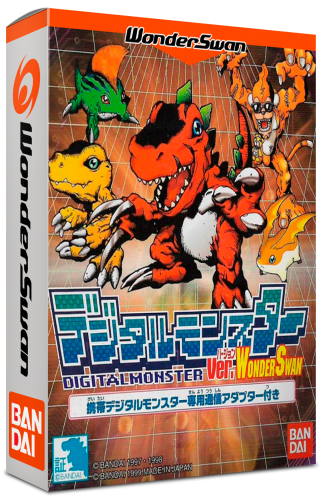
Version 1.0.0
88 downloads
WonderSwan 3D Box Pack Better resolution than the old set. Also updated Spine.