.thumb.png.9332e12cab6cec0213b9ffd456a9a968.png)
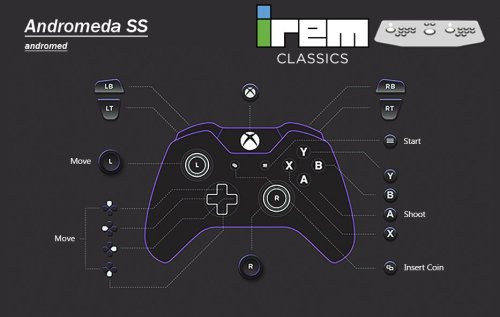
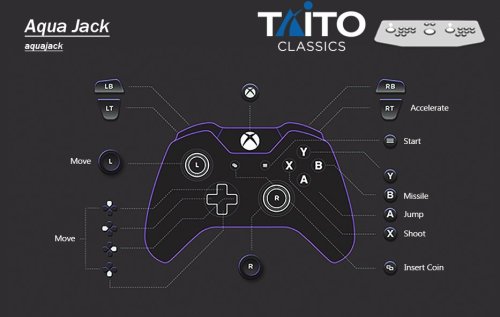
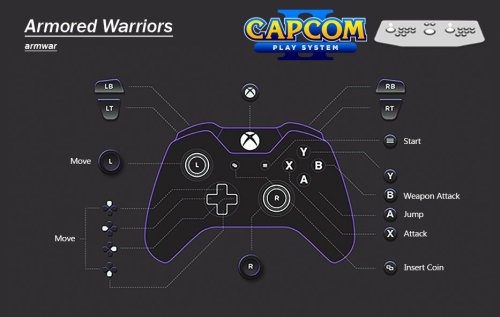
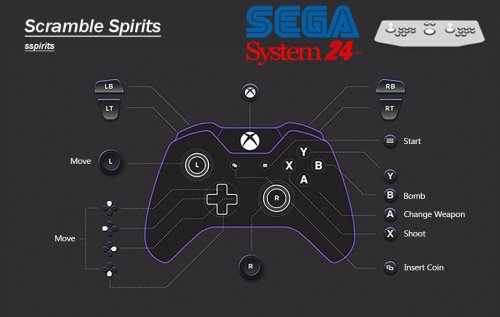
About This File
UPDATE 09/01/2026
All of Namco System 12 had it's controls updated at some point. This caused the map files to be incorrect. This has now been sorted. Only the .cfg have been updated, so just grab those if updating!
Also, War: Final Assault has had digital analog applied so the crosshair doesn't snap back to centre. It plays like a proper FPS now.
UPDATE: Its been 2 years since I "finished" this, and its taken until now for the MAME burnout to lift. But it's back to add some more games and overall improvements.
Thanks to past me futureproofing the project, now me only needed to add 35 games. Stuff I missed first time around and stuff that's been added to MAME over the past 2 years. However, about 100 games need fixing. Thanks to help from the community I was able to easily identify which ones I messed up with double inputs or left the test menu on like a dumbass! MAME of course have changed some stuff and hopefully I've caught everything that pertains to this project.
Improved platform xml, with almost all games now having a DB entry. I've also made a bunch of Hardware Playlists! Most of the popular ones beyond what LB creates. Stuff like Capcom ZN, Cave 68000, Seta 1st Generation and a bunch of Sega stuff just to name a few. Open to suggestions to add more!
This is the bit you really want to pay attention to with the update! CHDs and the size of this build when culled. So, just to break this down:
3571 Non-Merged Roms (No CHD's) = 15.5GB
3571 Games in Merged Roms (No CHD's) = 16.7GB
A culled Non-Merged set is actually smaller in size than a culled merged set. Due to merged including "all versions in one zip", independently, they are overall larger in size. Despite non-merged roms including bios files per rom, making it larger for a full set, a non-merged set ends up being overall smaller when culled like this. Not by much! But, I still fully recommend non-merged as they "just work", being overall smaller in size is an unexpected but added bonus.
Now, CHD's. Exactly what is needed is in the documentation. For a full set, for this list of games, it's 110GB! However, 65GB (OVER HALF) of this is Rhythm games. Only 48 of them, Beatmania being the main offender. Another 12GB is occupied by ONE GAME....Fire Fox. A LaserDisc game that probably isn't wort the 12GB. These have been configured and added to the project for completeness. But, I have added these to a playlist (also in documentation) so you can easily delete/not use/exclude these Rhythm games from your build. They don't translate well to a controller anyway, so ya really not missing out on much, but saving 65GB across 48 games. Fire Fox is in that playlist also, do what you want. However....
A Non-Merged Culled set with all CHD's for this list (excluding Rhythm + Fire Fox) = 49 GB
I had to double take the first time I calculated this. Almost all of MAME Arcade, 1G1R "ish", excluding games better emulated outside of MAME and oversized CHDs, fits into just under 50GB. Amazing!
These figures will of course increase as time goes on, this is just a snapshot of now!
Namco System 23 and Model 2 will be added once they are in a better state. They are really, really close to running well enough to add.
--END OF UPDATE--
If you want show your appreciation and support the project and myself please check put my Patreon https://www.patreon.com/warpedpolygon
No need to use the importer with the provided custom platform xml. I fully recommend using this to get the most out of what's been done.
If you have been following along you know what the score is. If you are new here, let me explain what all this is.
MAME is awesome, however like many other emulators it doesn't know what your use case is, how can it. So, it's defaults are more of a 'one size fits all... but not perfectly' kind of deal. As a result getting things setup can be a mine field. This isn't just down to MAME defaults, plenty of games present you with a bunch of hoops to jump through just to play the damn thing. This, on top of figuring out controls, (which is the main point here) can be a very frustrating experience. Even google can come up short sometimes leaving you to fumble around in the dark. Removing this frustration is the whole point of the project. I see lots of github requests for MAME that aren't emulation issues, they're configuration and setup issues. This project should alleviate the rage of most users. FOR CONTROL PAD USERS.
So, let's just get into the stuff you wanna hear. To keep it simple I'm gonna list what IS here and what ISN'T here:
WHAT IS HERE
- Every working Parent ROM has been configured. Although, some games listed as NOT WORKING do indeed work to some degree. These have also been configured to future proof the project.
- Clones and/or preferred versions have been identified, configured and added in ADDITION to their parent counterparts. This could be an uncensored Japanese version, control hack, translation or even a sequel. In some instances an entirely different game can be a clone version. This is such an important part of the project.
- All English region Names/Versions have been configured. You may know a game by a completely different name depending on your region. All English versions with different names have been configured. So, if it's Buck Rogers: Planet of Zoom, or just Zoom 909 to you, you'll be able to find it. It'll have that title in game also. I haven't just duplicated the parent version and changed the name in LB.
- All games have been tested and controls configured for XINPUT Controllers. This has been done per game. Some games needed ages spent on them to figure what the hell was going on. Robocop 2 has diagonals that need mapping to the second player joystick, despite being a one player game. So, you can imagine the time and testing that went in.
- Multiplayer games set to work with maximum players. Pretty much 70% of 4 player games were setup for 2 players by default. Games that remove the character selection for 4 players have had their 2 player versions also added so you have the choice.
- Multi screen games set for both one and two screen use. You will have the choice to launch the 1 screen or 2 screen version without having to set everything up. These maybe listed a 1 and 2 player variants.
- All analog games have had their sensitivity checked and changed if needed. Yes, the trackball Sonic game works just fine despite what people say.
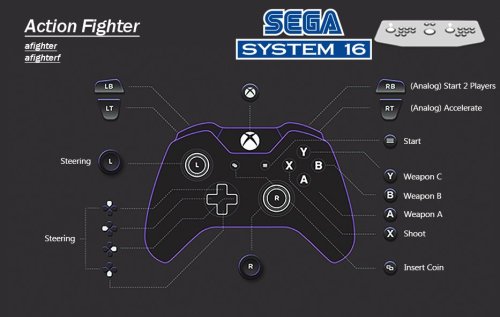
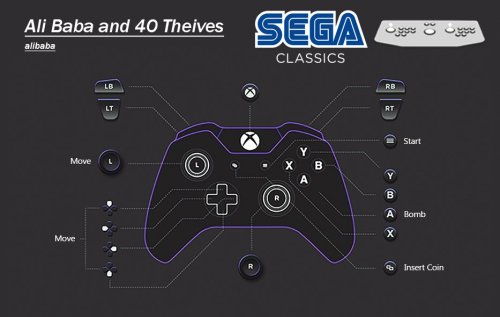
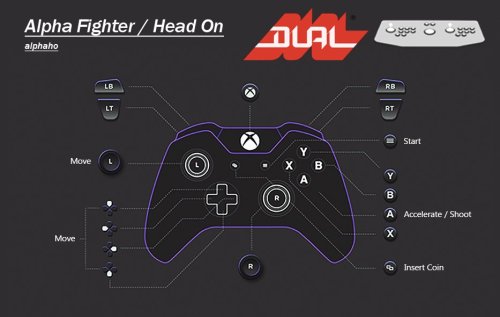
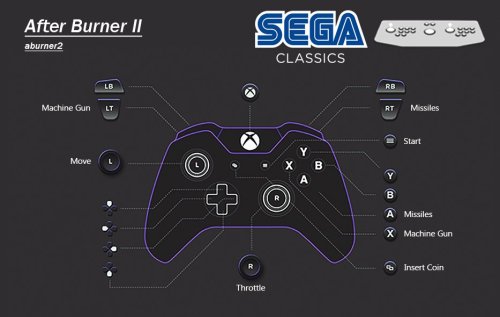
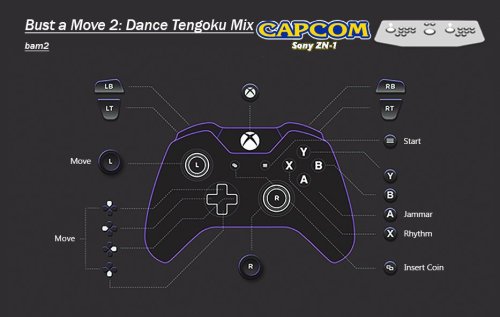
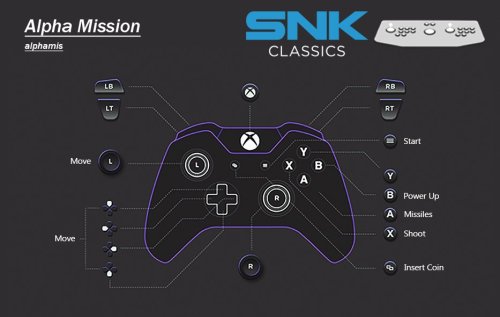
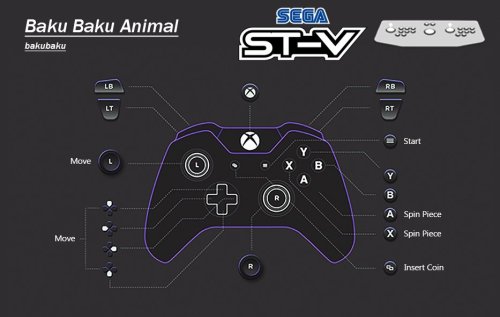
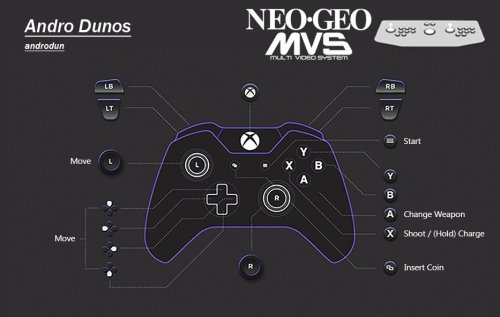
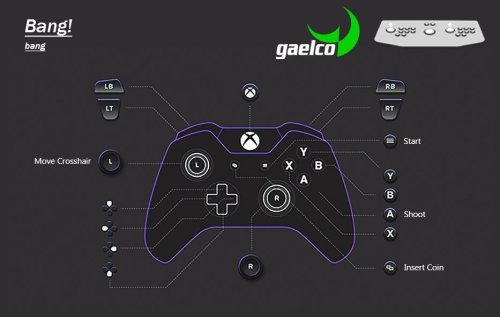
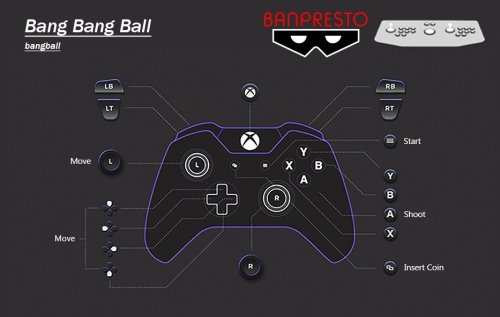
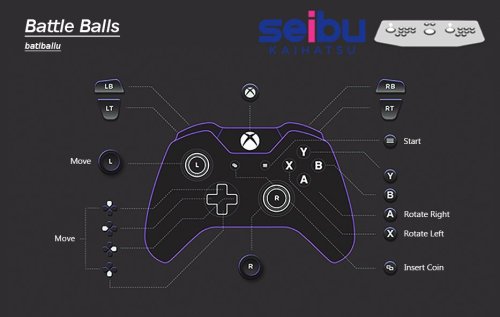
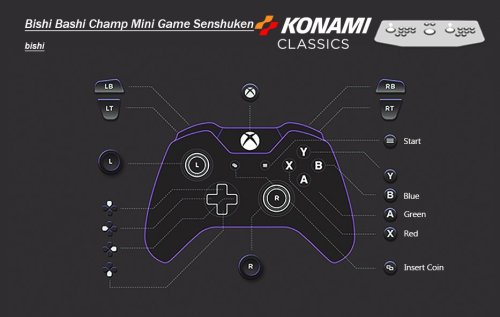
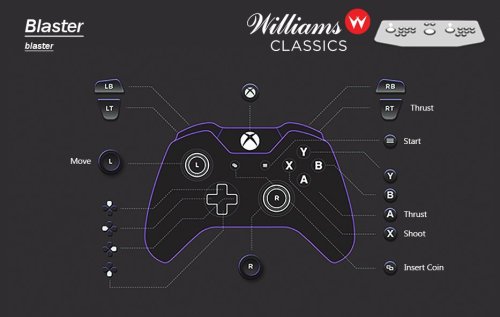
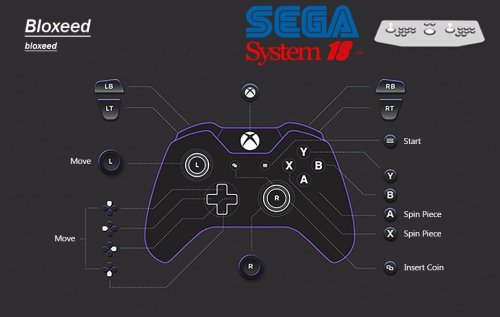
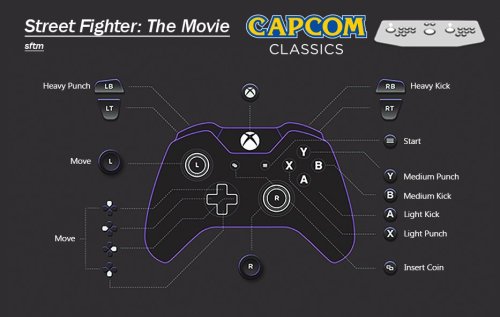
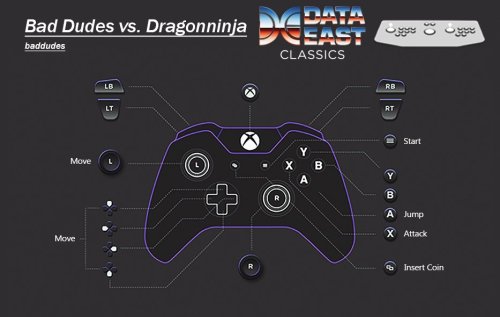
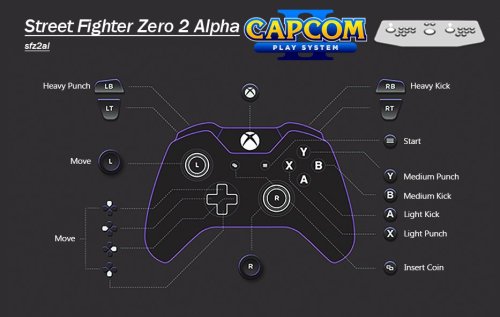
- Every configured game has a control layout image.
- Working Prototypes are here.
- English set for Japanese only games wherever possible. There's more than you think.
- Unlockable/hidden content pre unlocked. Keep in mind some cheats for hidden content are a one time use and don't save to NVRAM.
- Fighting game button layouts are setup to all be the same. Exactly the same as Street Fighter 2 on SNES for 6 button fighters.
- Light gun games set for controller AND mouse usage. Inaccurate games have been calibrated.
- Widescreen games set to pixel aspect.
- Technical hoops already jumped through.
- Much, much, much more.
WHAT ISN'T HERE
- Mah-jong games that use a Mah-jong panel. These simply have too many inputs to map to a controller. Mah-jong games that use a joystick are here.
- Japanese quiz games.
- Gambling and video poker games. Basically anything with a BET, HOLD input system.
- Japanese clone versions, UNLESS they are preferred or have additional content.
- Truly non working games that simply black screen.
- Any arcade platforms better emulated outside of MAME for e.g. Sega Model 2 & 3.
ABOUT THE PLATFORM XML
A lot of work has gone into making sure these games are all accounted for in the xml. There were a bunch of roms that weren't recognised by the importer or games that simply haven't yet been added to the Database. I have made sure that these have been added and named correctly before I start changing/updating the database. Also, I have gone the extra mile and added version info in the title of the game if there are multiples of the same game. So, you will see The Simpsons (2 Player) and The Simpsons (4 Players) as separate versions for extra convenience. PlayChoice-10 games and mega play games have also had this info added to the title so you know exactly what version is being selected, despite sharing the same name as other versions/games.
MAME SET ADVICE AND MERGED ROMS
Despite my previous statements, Non-Merged is the best for sooo many reasons. I plead with you, just go non merged and you'll have a better time.
However, merged will work just fine as long as you have your bios setup correctly.
INSTRUCTIONS
- Download CFG, NVRAM and Control Layout Images
- Put CFG and NVRAM files in the cfg and nvram folders of MAME
- Use Images however you want. I like to put these in the Screenshot - Gameplay images folder so they display in the side bar. If you don't use a gameplay screenshots this is a nice solution outside of BigBox.
- This has been made for use with XINPUT controllers. If you aren't using an XINPUT controller you can use DS4windows or it's alternative.
USING THE ARCADE PLATFORM XML
- Download the Arcade.xml
- Backup your old xml just in case if you have one.
- Make sure LaunchBox is not running
- Place Arcade.xml into Data->Platforms folder in LaunchBox
- Start LaunchBox. The Arcade platform should be showing now.
- Select all games in the Arcade platform (Ctrl+A), then go to Tools->File Management->Change ROMs Folder Path for Selected Games
- (Merged Only) It will say some roms are missing, they're not, just in other zips. Make sure to change paths for these also, when asked.
- Find your ROMs folder and select it.
- Don't forget to set your emulator path and set it as the default for Arcade platform.
- PLAY!!!
This project will be kept up to date moving forward. If you have any info, suggestions or whatever just holler in the comments.
Edited by Warped Polygon
Update!
What's New in Version Updated at 0.283 See changelog
Released
No changelog available for this version.




Recommended Comments
Join the conversation
You can post now and register later. If you have an account, sign in now to post with your account.