
KRI$85
-
Posts
124 -
Joined
-
Last visited
KRI$85's Achievements

-
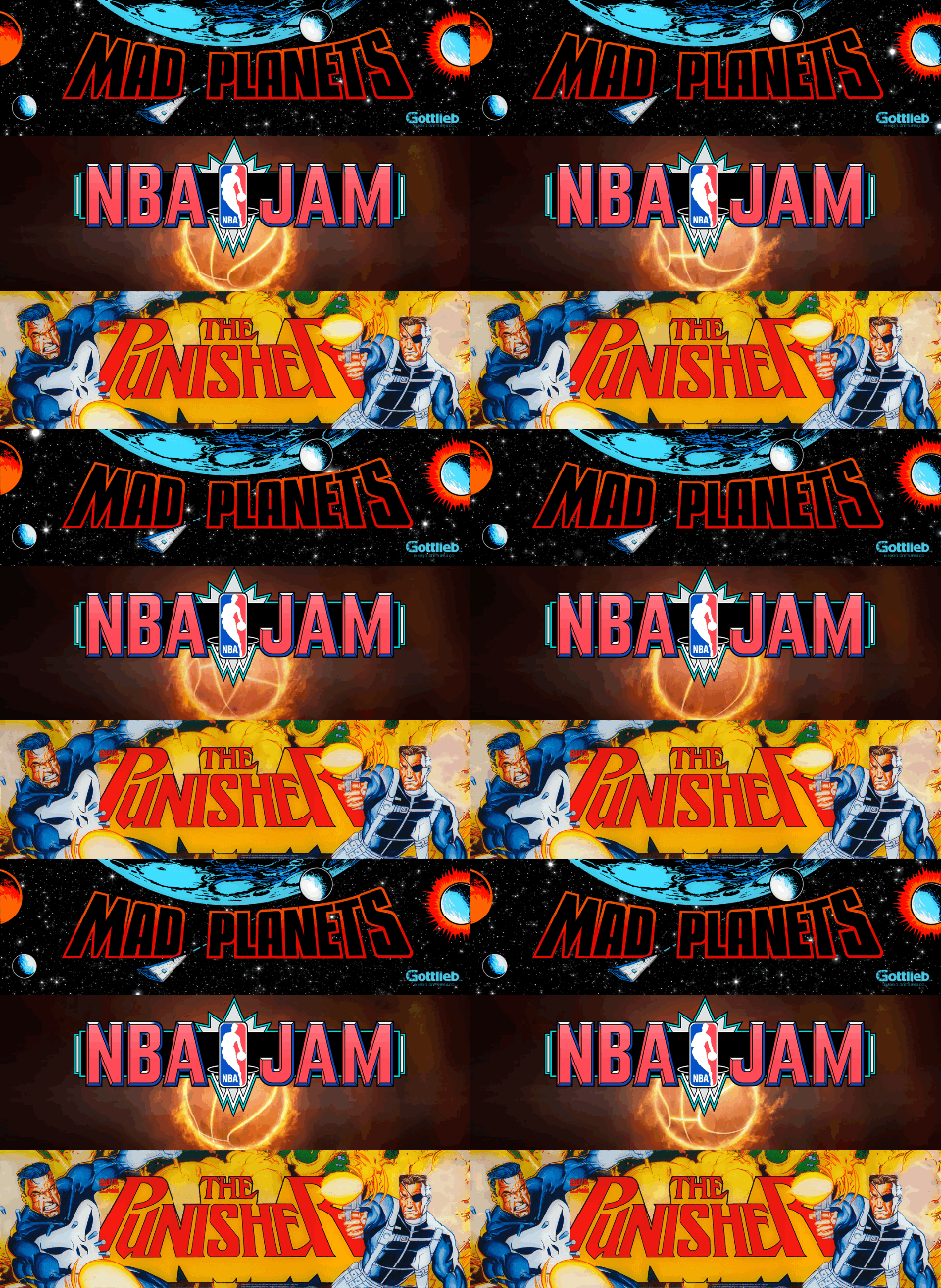 Now *that* is a jaw-dropping moment. It looks amazing. We want more, more!
 -

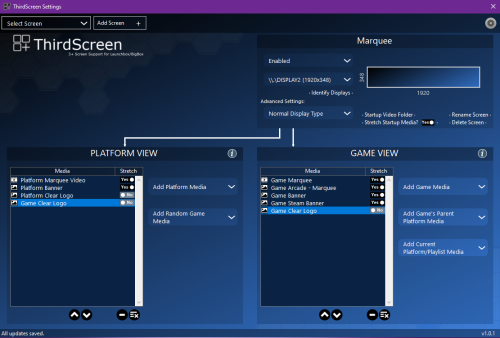 Thanks for the amazing plugin! I was wondering if you plan to introduce the following: 1. Smooth fade-in/out and random transitions between PNG/JPG,GIF files and MP4 videos (so there's a choice beyond just video). This would require a fade/crossfade slider and a transition time setting for static PNG/JPG files to ensure smooth switching. Also, instead of just looping an MP4, it would be great if—upon completion—it randomly selected the next video or PNG,JPG,GIF with a smooth fade-in/out or crossfade transition. 2. Timed marquee changes during gameplay—for example, setting it to smoothly fade between random marquees every 2 minutes while playing. I have multiple files for specific games, platforms, or playlists and find it hard to choose just one; I’m sure I’m not the only one. 3. Is it possible for the plugin to recognize shortcuts to a specific file—so that instead of duplicating MP4 or GIF files for different versions or platforms, there’s just one base file and the rest are shortcuts with renamed filenames? That would save disk space. 4. Is there an option to add a clock, with settings for transparency, size, and placement? Question As I understand it, the plugin cannot be configured to display a video or GIF while the menu is active and then switch to a static image (PNG, JPG, or GIF) the game starts? Ps: I don't know how many people have this scaling issue in LaunchBox when using the plugin—like in the screen (first and second is plugin on, third screen is no plugin), the font gets tiny upon maximizing. You can't set it to true full-screen; you can manually stretch the window if you switch to windowed mode, but it often snaps back to a small size. If I don't use the plugin, none of this happens. I'll try to record a short video today so you can see exactly what I mean and when it occurs. Edit look video i got 2 screen 1080p and problem is only if plugin is on hmm. Sometimes it launches in full-screen mode but with a tiny font and other weird glitches like video, while other times it looks like it does in the screen,usually, after quitting a game, it switches to the state shown in the screen meaning a small window—and I have to manually expand it, though the font doesn't scale up (though sometimes it does). Desktop 2026-06-26 16-56-49.mp4
 -
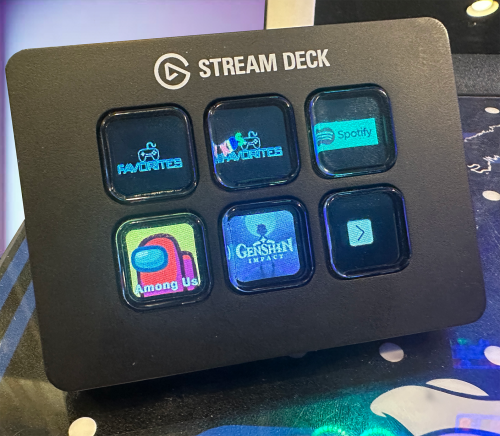 I'm curious if this plugin can be made to work with Macro Deck 2? I think Macro Deck has much better potential than Stream Deck, for example: no button restrictions. Unfortunately, I can't get Macro Deck to detect running programs, games, or profile switching. I start Big Box, it automatically switches to the Big Box profile, launches the game, switches to the profile, save state, load state, etc. settings folder, and then returns to the current profile upon exiting. I know this isn't a problem with Stream Deck because Stream Deck has smart profiles, hmm
 -
(Bulk) Add Additional Applications
KRI$85 commented on JoeViking245's file in Third-party Apps and Plugins
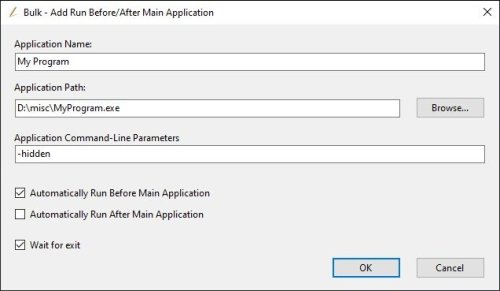 327 I know, I noticed the information in red, that's why I asked if a specific version works Version 1.2 works, but it has an annoying problem: when I add something and then want to remove it from the bulk remove list, I have to click on each list one by one and check the box. Unfortunately, when I select everything from the list and check it, the remove button doesn't remove it. Desktop 2026-03-18 21-37-11.mp4
 -
(Bulk) Add Additional Applications
KRI$85 commented on JoeViking245's file in Third-party Apps and Plugins
Hello, does any version of this script work for you because none of the 1.2-2.0 versions work for me? -
I see. I thought my BB was failing, especially since everything worked fine in the beta. Thanks for the quick info. We're waiting for a fix.
-
Oh my god, this is a theme for Big Box. Great job, you spent a long time on this (actually, it's a stupid question; it all depends on how experienced you are in theme development). It's pity that there's no similar theme available for download.
-
As you can see in the video, something is covering the icons and names. If I run the entire circle, everything seems to fix itself, but after restarting BB, the problem returns. I've tried: - Uninstalling and installing the theme - Resetting settings, etc. - I even tried compatibility optimization, turning the high resolution settings on.off. - I removed the background image. Strangely enough, the problem doesn't appear on other themes, although themes with a similar style to Unified have the same problem. Hmm.
-
Great. I'm waiting
-
It's a pity that there is no theme similar to the one from PinUp Popper
-
That's why I'm surprised it doesn't work for me on a per-system basis (PlayStation, SNES, Mega Drive) (unless, as you say, it's per-theme). Navigation sounds, start, select, back, and move, only work for me in playlists. If I put them in the default start, select, back, and move folders, they always play randomly, no matter which platform I go to. Sound per-game works: LaunchBox\Music\Sony PlayStation\Tekken 3 then shows the song title and a small icon in the right corner, provided there's no video or the theme is set to wall (no video). As for creating a per-game theme, well, there's a solution, but with such a collection, it would take decades, just like putting audio before the video, so well. I thought Launchbox would have these options as standard, like in other frontends. As I mentioned earlier, playing music for a given game works as long as the files are named after the game's name, but it doesn't work for platform categories, platforms, well. I thought the same thing. With audio, the information on the fade-in/out screen will work just like in RL. - Game time - Number of starts, etc. Audio Start, exit game, etc. And it works fine, but only by: - RL - Creating and editing a given theme and adding these options, so everything would probably reset after the update, so you'll have to fight the windmills.
-
Oh, so you're uploading audio files to a specific theme, not to Launchbox\music\Mame (music, audio file with the game name) or \Launchbox\background: The audio file works in every wheel (no need to change the file name). There are also folders: Platform Category - nothing works here. Platform - Playlist\Mame - works here. If there's no video, or you select music over video in the options, then any file with the exact game name launches under the game name. The Launchbox\sound\Mine folder (I created a folder here and changed the path to this in BB). Despite the correct folder and file names, Audio select, back, etc., only works for playlist folders, e.g., LaunchBox\Sounds\MY\Racing. If I create a folder, e.g., Arcade, Sony PlayStation, and drop the select, back, etc. files there, then the default files from the select, back, etc. folders play. Too bad, I thought that if I named the folder correctly, If I upload the files, it will work ;( What you showed in the video only works for me in playlists like Tekken Collection, Soul Calibur Collection, etc. in Category, Platform. It doesn't work for a specific game, and that's what I need ;( My problem is this: - For now, I'm checking the themes I like and trying to match them to the platform, etc. Hmm, I'm testing 120 different themes :D. As for removing them, I noticed this problem after updating the theme (you have to remember to make a copy of the theme before updating it - I don't know how to create my own themes yet (it's a bit of a nightmare), haha.
-
I understand, but unfortunately I can't get Big Box to play sounds, for example: From the sound folder (select, back, startup, etc.), if I create folders with the names of my wheels and drop files (mp3, wav) in them, it doesn't work. Only files from the default folders created by LaunchBox (select, back, etc.) play. I even tried creating folders for specific platforms in the default folders, but it doesn't work. It's strange that there's no problem if I create a folder with the playlist name, and it plays select, back, etc. under a specific folder, e.g., racing, etc., although not always. Platforms and categories don't work, hmm. Generally, it's strange that the developers didn't consider an additional slider option, like the volume % slider, like in the background music and video options. You can only prioritize audio (unless there's no video), so the audio plays, but it doesn't start at all. It's similar in the Music folder and the so-called Background folder. Music works in the main Music folder, but it doesn't work when I try to match music files to a specific platform, category, or playlist. If you say it works, I'm doing something wrong. Could you describe the structure of the Sound, Music, and Background folders?
-
Hello, has anything changed since then, or do 99% still not need this function?
-
I see there's no such option, so I'm left with the playlist option, which is sad ;( Unfortunately, there's another problem: it adds the ID and API, but it only detects 404 games out of 545, I don't have family mode, I have everything public, etc. I can't get Launchbox to see all the games I have in my library 😕
