

Boomerps2
-
Posts
157 -
Joined
-
Last visited
Content Type
Profiles
Forums
Articles
Downloads
Gallery
Blogs
Everything posted by Boomerps2
-
So how do we add this to Launchbox?
-
Yes, Ultimarc Ipac will work great. I use two Ultimates on my 4 player pedestal. Here is the best setup tutorial.
- 1 reply
-
- 1
-

-
LedBlinky Custom Layouts Tutorial with LaunchBox / BigBox tips
Boomerps2 replied to SrfrBoyBobby's topic in Troubleshooting
Great looking setup! I need to see if I can program these assignable COB LED lights on the T-Molding. I'm also doing something similar to your cabinet. I'm building a dual screen 50" cabinet. I just got it from the CNC shop.
-
LedBlinky Custom Layouts Tutorial with LaunchBox / BigBox tips
Boomerps2 replied to SrfrBoyBobby's topic in Troubleshooting
I will give that a go. Also....Is there a place we can share each others LEDBlinky files? I can't imagine having to program 10,000+ games. This would make things much quicker. I figured if we all had the same iPAC input assignments, this would make things much easier. -
LedBlinky Custom Layouts Tutorial with LaunchBox / BigBox tips
Boomerps2 replied to SrfrBoyBobby's topic in Troubleshooting
I also noticed your JOYSTICK_1 is assign as ENTER. Why is that? -
LedBlinky Custom Layouts Tutorial with LaunchBox / BigBox tips
Boomerps2 replied to SrfrBoyBobby's topic in Troubleshooting
Yep, you are correct. I figured it out. Your youtube video was a life saver. I have only one issue. I can't seem to get my RGB joystick to light different colors at one time. You select common/ CONTROL_JOY8WAY then choose a color. Under the <Default> for player 1 thru 4, there is no option to select JOYSTICK_1 and color. All four joysticks will be the selected COMMON/ CONTROL_JOY8WAY color. There is no option under the Player 1 thru 4 tabs to assign a JOYSTICK color.
-
LedBlinky Custom Layouts Tutorial with LaunchBox / BigBox tips
Boomerps2 replied to SrfrBoyBobby's topic in Troubleshooting
My <Default> MAME buttons are all over the place and not in the order they where programmed in the input manager -
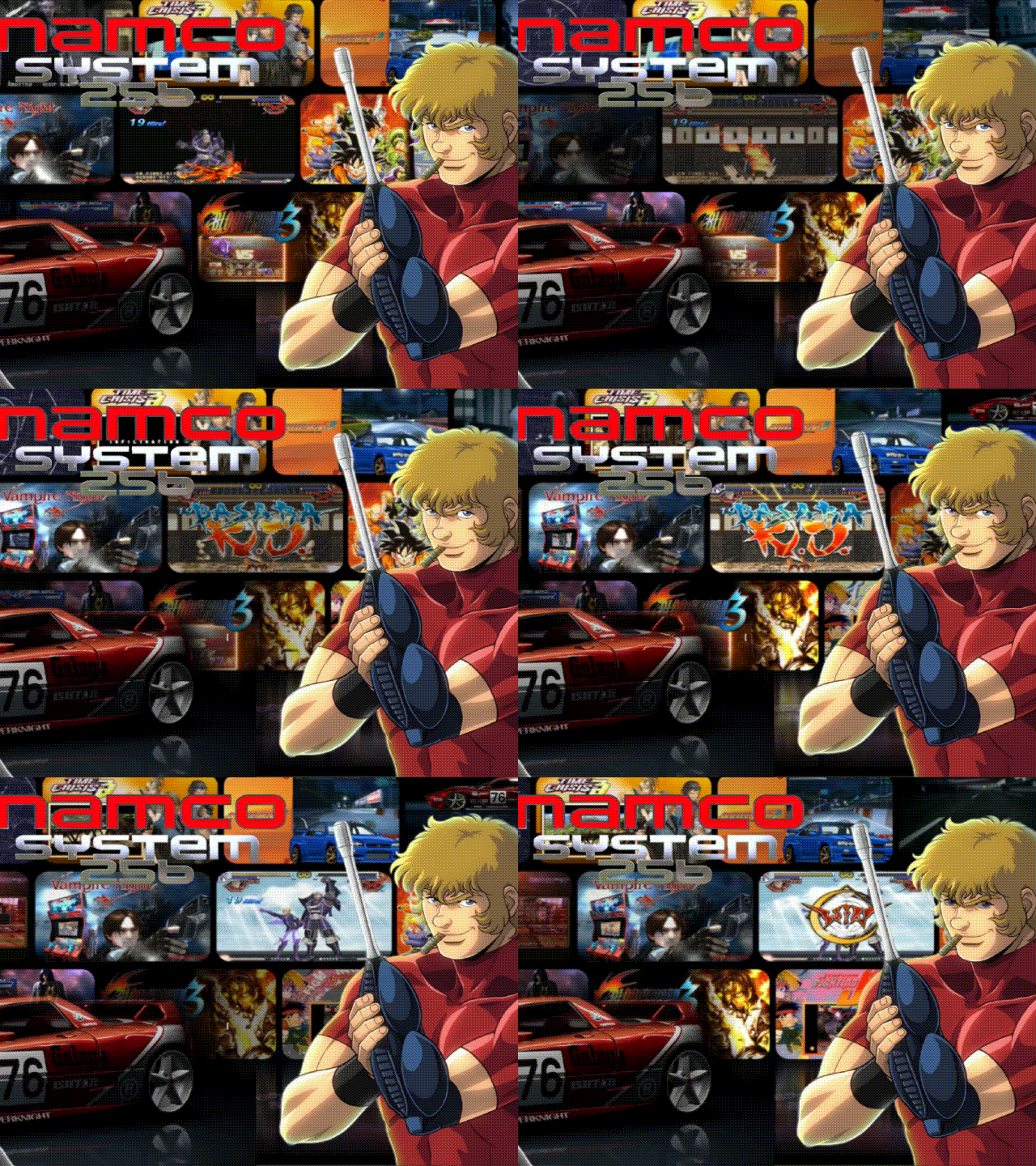 What other System 256 media is there?
 -
 Is there any way to use game clear logos rather than text?
 -
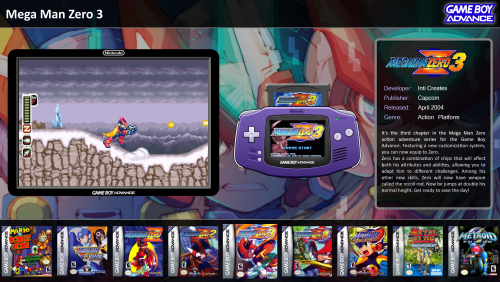 At first, I had the title screen instead of the GBA console, now with this update there is nothing where the GBA console should be
 -
I have built many pedestals but really never got to keep one for myself as they all sell pretty quick. This is the build I'm keeping. This is one of two builds. My next build is a dual 50" LCD cabinet. Instead of the small LCD marquee on top, I'm using an additional 50" LCD screen. I already had the cabinet CNC cut and just waiting to get this pedestal built. Pedestal specs: I7-1300 CPU 16GB DDR5 EVGA RTX 3090 65" Samsung Q80 TV Small LCD screen built into Control Panel Electric Ice 2 RGB buttons from Groovy Game Gear x24 Ultimarc RGB Trackball Spinner Sanwa JLF joystick with upgraded springs and gate with hollow shaft for RGB (Player 1 & 2) Zippy joystick with hollow shaft for RGB (Player 3 & 4) and one 4-Way UltraStik 360 FS Flight Stick Ipac Ultimate for RGB function only Pacto 4000T 4 player controller interface. (First time using it) Sinden Light Guns
-
Something is going on with the viewing priorities
-
Will this fix help the random freezing of BigBox on starup? Wheels populate then freezes. Have to restart then everything is good. Does it on average 1 in 10 times. Also, is there a fix for attraction mode freezing after a couple of hours in use?
-
You are 100% correct. BigBox is heavy in resources and my biggest complaint is it's so SLOW! Although not as feature packed, look at frontends like RetroFE (Type R) and Coinops. Front ends are fluid and snappy. Videos & art switch almost immediately when in the game selection menu. BigBox has a very noticeable wait time.
-
This option is only available through RocketLauncher
-
I'm not getting a picture of the Gameboy Advance console, instead getting an image of the game title screen
-
Mini Consoles Theme - RetroSai Nostalgia - Form over Function
Boomerps2 commented on Saieno's file in Custom Themes
 Got it. I'll give it a go. Appreciate it.
 -
Mini Consoles Theme - RetroSai Nostalgia - Form over Function
Boomerps2 commented on Saieno's file in Custom Themes
How do you do that manually? None of the volume adjustments in menu settings work. It looks like previous versions are no longer available i.e. version 2.1.4. -
Mini Consoles Theme - RetroSai Nostalgia - Form over Function
Boomerps2 commented on Saieno's file in Custom Themes
Got it. Music only works if you have "Game Details" enabled. When it's disabled and games are launch straight from the game selection menu, the music will not stop. Wonder if there is a fix for this? I'm on the latest Launchbox version. How do you control the volume of the menu music? Volume is very low. Tried messing with the volume adjustments and nothing seems to raise the volume. -
Mini Consoles Theme - RetroSai Nostalgia - Form over Function
Boomerps2 commented on Saieno's file in Custom Themes
Love the background music but it won't stop playing after any game in launched. What am I doing wrong? -
Mini Consoles Theme - RetroSai Nostalgia - Form over Function
Boomerps2 replied to Saieno's topic in Big Box Custom Themes
In menu music does not stop. Keeps playing while in-game. Can this be resolved? -
.thumb.png.83dcf83ef17bd58458b90edd83312ca3.png) Has anybody figured out the background music issue? I love the background music but it does not stop when the game is started. Background music keeps playing while in-game.
Has anybody figured out the background music issue? I love the background music but it does not stop when the game is started. Background music keeps playing while in-game. -
.thumb.png.dfb6d8399ee20b855c0a77a2d6e7ed25.png) Will the naming structure work in Launchbox as it uses (Adventure Island II_ Aliens in Paradise-01) and your is (Adventure Island II - Aliens in Paradise (USA, Europe)?
Will the naming structure work in Launchbox as it uses (Adventure Island II_ Aliens in Paradise-01) and your is (Adventure Island II - Aliens in Paradise (USA, Europe)? -
WOW...no answer? Was wondering the same thing.
-
In Launchbox, start game and screen goes black while loading, then game starts behind blank screen. Must go to taskbar and click on game to bring it to the front. Game starts fine out of LaunchBox. Tried all startup options. All other PC games start fine. Any ideas? Thanks FYI....Steam version of this game does not play nice with startup themes. The gog version of this game works just fine.




.thumb.png.83dcf83ef17bd58458b90edd83312ca3.png)
.thumb.png.dfb6d8399ee20b855c0a77a2d6e7ed25.png)