TekkamanBlade
-
Posts
51 -
Joined
-
Last visited


TekkamanBlade's Achievements

8-Bit Processor (3/7)
46
Reputation
-

BezelLauncher
TekkamanBlade replied to JoeViking245's topic in Third-Party Applications and Plugins (Released)
Quick update: the issue appears to have resolved itself. After troubleshooting for most of yesterday, I shut the PC down and left it off for a while. Today BezelLauncher and Model 2 are working correctly with the same configuration. I didn’t make any additional changes before it started working, so the shutdown/restart may have cleared whatever focus or timing problem was occurring. I’ll continue testing and report back if it returns. Thank you for taking the time to investigate and reply. -
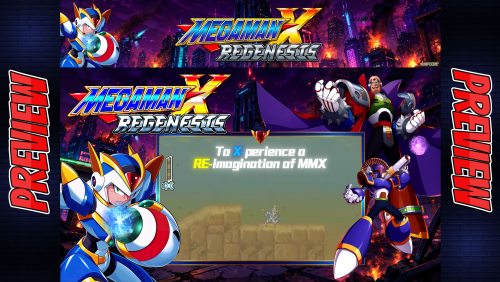
Version 1.0.0
24 downloads
Enjoy -
Complete set
-
 I’m running into a repeatable crash when using the SteamScraper plugin. As soon as I click the button to scrape a Steam game, LaunchBox throws this error: System.NullReferenceException Source: SteamScraper at SteamScraper.SteamApi.SteamSearchAsync(String appId) (SteamApi.cs: line 78) at SteamScraper.Form1.button1_Click(...) What I already tried: • Verified plugin folder path: LaunchBox\Plugins\SteamScrapper-2.9\ • Added the missing properties.json (this was mentioned on the LaunchBox forums) Content of the file: { "customFields": "false" } • Confirmed the filename is correct (not .txt) • Placed it next to SteamScraper.dll, SteamScraper.pdb, SteamScraper.deps.json • Restarted LaunchBox completely (not minimized) • Tried both Steam URLs and raw AppIDs • Unblocked the DLLs The JSON file loads fine, but the plugin still crashes with a NullReference inside SteamApi.cs before completing the request. Looks like Steam changed something in their page layout and the parser is failing on line 78. Asking: Has anyone updated the SteamScraper plugin recently, or is there an updated DLL that fixes the SteamApi parsing? The version I have appears to be broken with current Steam HTML. Thanks in advance!
 -
 For missing art on the NES view, ensure that you have art in the Images/Nintendo Entertainment System/ Screenshot Gameplay folder named exactly as the game name in LB
 -
Same issue and its annoying.
-

Version 1.0.0
43 downloads
Enjoy! -
Inspiring
-
Platform Category/ Platform/ Game wheels View File Old-style wheels made for Big Box. Submitter TekkamanBlade Submitted 08/11/2024 Category Platform Clear Logos
-

Version 1.0.0
141 downloads
Old-style wheels made for Big Box. -

-
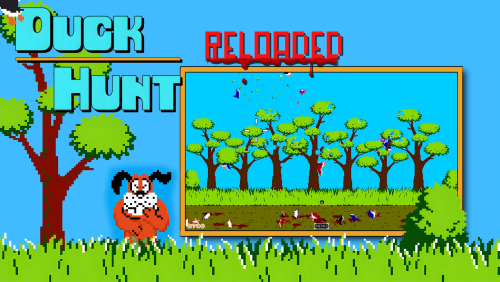
Version 1.0.0
183 downloads
Enjoy -

Version 1.0.0
31 downloads
Enjoy -
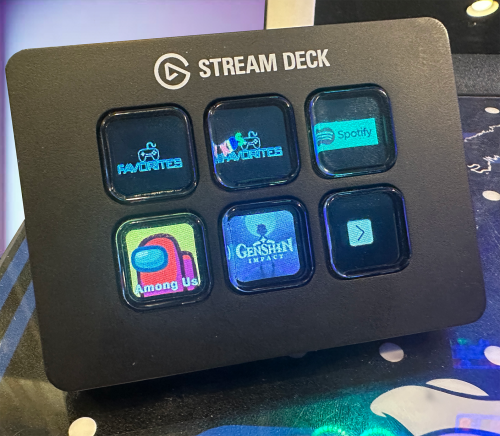 Thanks! I was going to reach out but this fixed the issue I had where the Playlist command was not working.
- 36 comments
-
- 1
-

-
- cli
- command line interface
- (and 5 more)